Recover Deleted Telegram Messages: What Actually Works
You get 5 seconds to undo a deletion. After that your odds depend on where the message was — here is what works per chat type, and what doesn't.

There's no single undo button for deleted Telegram messages. Your chances depend on where the message was, how it was deleted, and how fast you act.
The type of deletion matters. A message you removed from a private chat is a completely different problem than a post that vanished from a public channel with 50,000 subscribers. Each scenario has its own rules, and the public-channel case has its own guide: how to see deleted posts from a Telegram channel. If the whole channel went, not just a post, start with recovering a deleted Telegram channel.
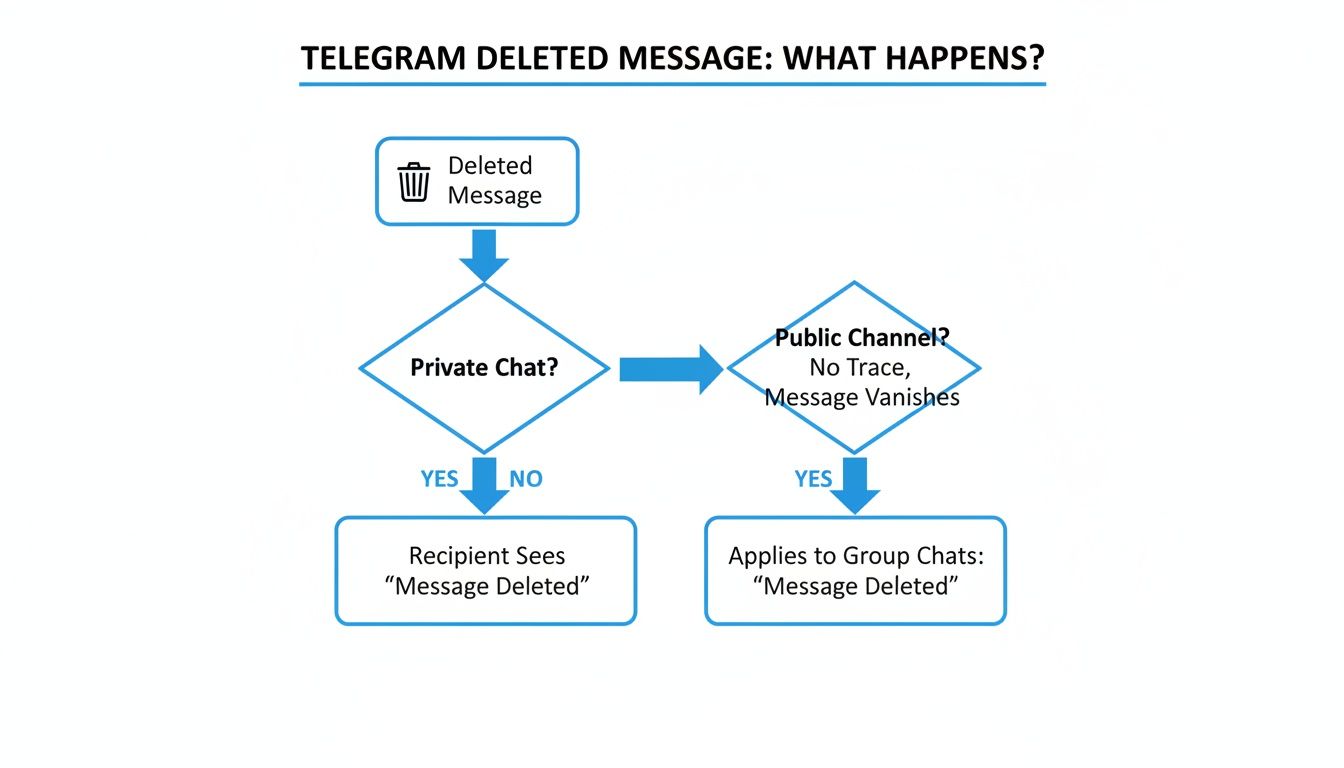
| Deletion Scenario | Recovery Feasibility | Primary Method |
|---|---|---|
| Personal message, deleted for you only | High | The other person still has it. Ask them to forward it. |
| Message in a group, deleted by you | Low | 5-second 'Undo' window only. Otherwise you need someone's screenshot. |
| Post in a public channel, deleted by owner | Very Low (Natively) | Requires a monitoring tool like Statiko that archives posts as they're published. |
| Media file from any chat (Android) | Moderate | Check the device's local Telegram cache; the file might still be there. |
Can You Undo a Deleted Telegram Message?
After deleting a message, a small pop-up appears with a 5-second countdown. Tap "Undo" and it comes back. Miss that window and the option's gone permanently.

Five seconds disappears fast. Don't switch apps or look away after hitting delete. You can practice in your "Saved Messages" chat — our guide to Telegram's Saved Messages covers some useful habits for working with it.
Android cache — For media files specifically, Telegram saves a local copy when you view them. Even after a message is gone, check:
Internal Storage/Android/data/org.telegram.messenger/cache/
Sort by date, look for .jpg or .mp4 files. This only helps with media, not text messages.
iOS and desktop — App sandboxing on iPhone blocks access to Telegram's internal cache. The desktop app doesn't expose a browsable cache either. For both platforms, the 5-second Undo is your only native option.
How to Export Your Telegram Chat History
The export tool is a better strategy than any recovery trick — it creates an offline archive before anything goes missing.
It only works from Telegram Desktop (Windows, macOS, Linux). You can't trigger it from mobile.
What you can configure:
- Chat selection — specific private chats, groups, or public channels
- Media types — photos, videos, voice messages, stickers, GIFs
- File size limit — cap individual files to manage storage
- Date range — archive just a specific period
- Format — HTML files, searchable in any browser
Run a monthly export for critical chats. Set a calendar reminder. If you accidentally delete a thread, you'll have a searchable copy from a few weeks back. For deeper strategies, see our guide on Telegram chat backup.
How to See Posts Deleted From a Public Channel
For channel admins and marketers, a deleted post isn't just a mistake — it's often a strategic signal. A competitor publishes something that gains traction, then pulls it. Without a monitoring tool, that data is gone.
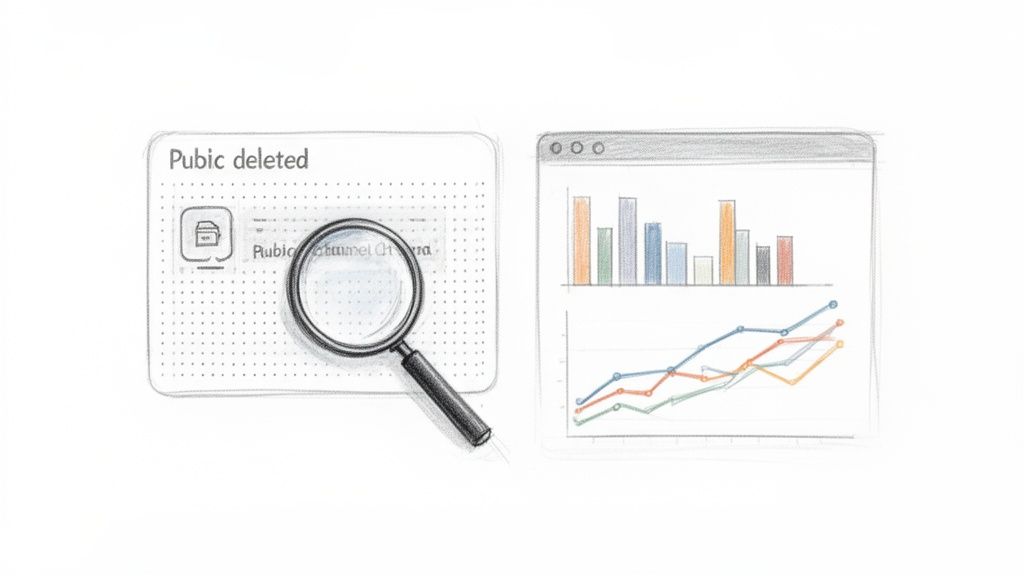
Statiko continuously archives public channels, capturing every post as it goes live. When a post is deleted, Statiko preserves the original content, any media, and all engagement data up to the moment of deletion — the working equivalent of a Telegram Wayback Machine.
That turns a competitor's deleted post into an actual data point: - What did it say? Controversial take, A/B test, expired offer? - How did it perform before deletion? - Why was it pulled? Error, overperformance, strategy shift?
This kind of signal is otherwise invisible. Our Telegram OSINT guide covers how public data like this fits into broader research workflows.
How to Avoid Losing Telegram Messages Again
Schedule regular data exports — Use Telegram Desktop quarterly. Focus on chats that matter: clients, key contacts, project groups. Store exports somewhere secure and encrypted.
Use monitoring for public channels — Manual exports aren't enough for a professional operation. Statiko acts as a continuous archivist — every post logged from day one. If you accidentally delete a popular post, you have an immediate timestamped copy with all text and media intact — which is also what it takes to verify a deleted post existed after the fact. Pair that with a proper alerting layer — see our guide on monitoring Telegram channel activity — so edits and deletions surface the moment they happen instead of during a manual check.
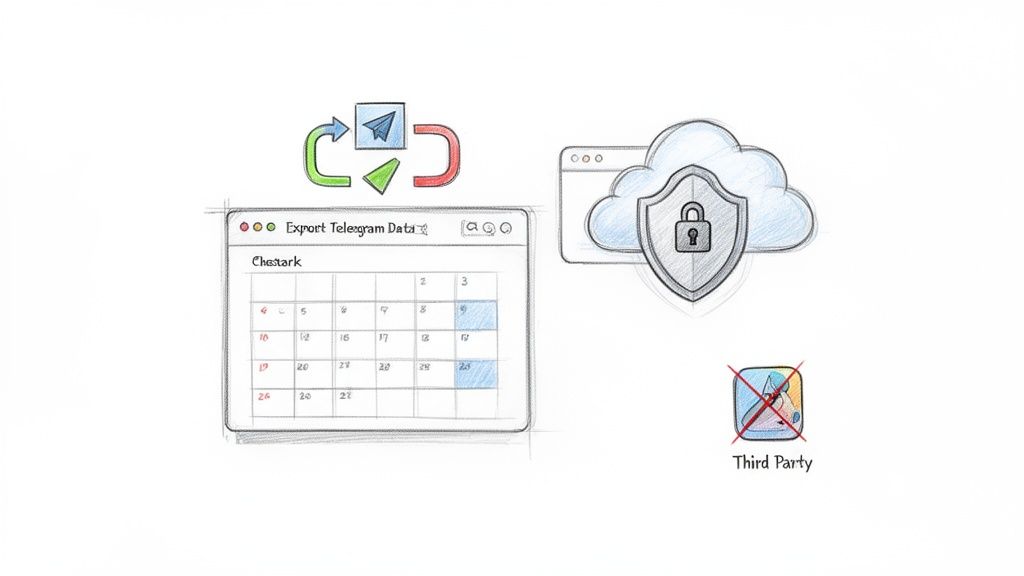
Avoid third-party "recovery" apps — These apps don't access Telegram's servers. They read your phone's notification banners and save the preview text. They only capture messages that arrive after installation, miss anything longer than the notification preview, and require broad permission to read all your notifications — including banking apps and email. The security tradeoff isn't worth it.
Telegram Message Recovery FAQ
Can I recover messages from a Secret Chat? No. Secret Chats use end-to-end encryption and never touch Telegram's servers. Messages only exist on the two devices involved. When deleted — manually or by self-destruct timer — they're gone permanently.
Do third-party recovery apps actually work? Not as advertised. They scrape notification previews, not Telegram's storage. They can't recover anything deleted before installation, miss media and long messages, and require invasive permissions. Most introduce more risk than value.
How is Statiko different from personal recovery tools? Statiko is a public channel analytics platform — not a personal message recovery tool. It can't see private chats, groups, or secret chats. It archives publicly available content from public channels, the same data anyone could read when it was live. It's closer to a library archiving public newspaper articles than anything reading private messages.
Ready to turn deleted content into a competitive advantage? With Statiko, you can monitor public channels, track deleted posts, and analyze engagement trends to inform your strategy. See what your competitors are testing and hiding. Start analyzing for free on Statiko.
Related posts

Telegram's cloud sync is not a backup. Export your full history from Desktop, work around the mobile limits, and automate the whole thing.

Learn how to use Saved Messages in Telegram as a personal cloud workspace. Covers syncing, organization with hashtags and pins, and practical workflows for creators.

Master Telegram OSINT with our 2026 guide. Learn profile discovery, channel analysis, network mapping, and the best tools for open-source intelligence research.
Start in seconds.
Create a free account to organise channels, track activity, and get recaps delivered to you.
Real-time. Telegram. Analytics.