Telegram Channel Monitoring: Tools, Setup and Reporting (2026)
The complete guide to monitoring Telegram channels — the three layers of monitoring, building a watchlist, alerting without fatigue, and 10 tools compared.

You're tracking a competitor's channel, a regulator-adjacent outlet, or a partner you're considering sponsoring. A post you saved because it mattered is gone a few hours later — or worse, still there but reworded just enough to shift the message. Standard analytics won't show what disappeared or how the narrative changed.
That's the real test for Telegram channel monitoring: auditability, not vanity metrics. Telegram's own stats exist only for admins, and only once a channel clears 50 subscribers — a real gap for anyone researching public channels from the outside.
This guide covers the whole workflow: the three layers of monitoring, how to build a watchlist that stays useful, how to alert without drowning your team, what belongs in a channel report, and which of ten tools fits which job.
The Three Layers of Monitoring
Most guides cover the first two layers and skip the third, which is usually the one that matters.
| Layer | What it catches | Where it helps |
|---|---|---|
| Native notifications | New posts from priority channels | Personal follow lists, direct owner monitoring |
| Bot or automation alerts | Filtered events, centralized forwarding | Agencies, marketing teams, analysts |
| Edit and deletion tracking | Post-publication changes and removals | Research, compliance, security, competitive intelligence |
A basic new-post alert is fine for a handful of channels followed out of personal interest. It stops working once Telegram becomes part of your job. Volume goes up, context thins out, and the changes that matter tend to happen after publication.
Basic alerts fall short in four specific ways:
- They catch publication, not change. A channel edits wording after the fact; your alert only fired on the first version.
- They favor activity over importance. Ten trivial posts bury the one that matters.
- They miss early warning signs. A declining reaction rate — reactions divided by views — often signals a viewership drop before it shows up in headline numbers (BrandGhost's Telegram analytics guide).
- They cause alert fatigue. Once every message is a notification, people stop trusting the feed.
Telegram content isn't static. Channels revise, trim, and remove posts after publishing. Track only the first version and you're seeing part of the story — often the late change is the event.
Choosing Your Method
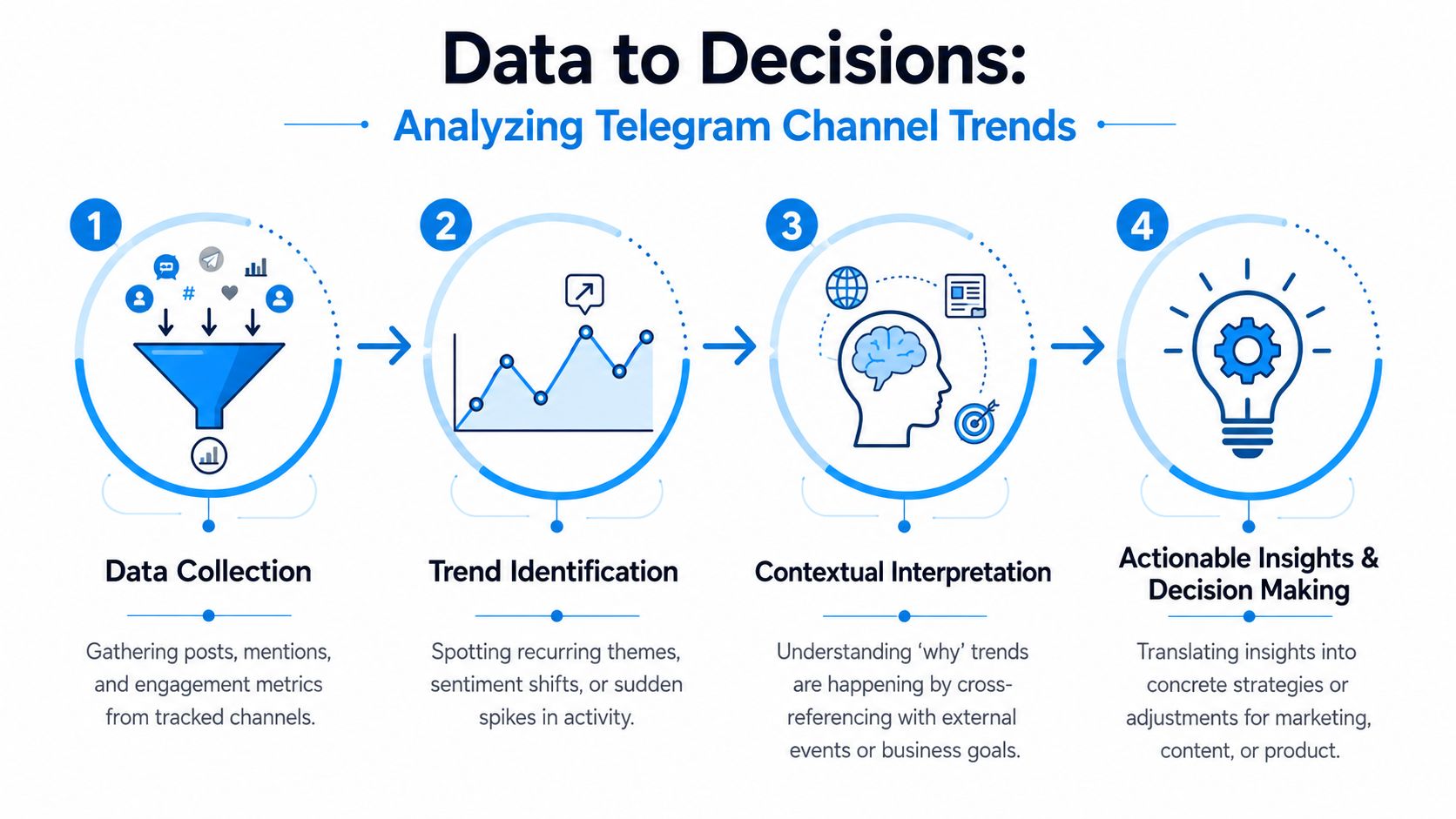
| Method | Setup effort | Scales to | Preserves changes | Best for |
|---|---|---|---|---|
| Manual checking | None | 3–5 channels | No | Casual following |
| Native folders and mutes | Minutes | 10–20 channels | No | Personal triage |
| Forwarder bots / RSS | Hours | 20–50 channels | No | Consolidating a feed |
| Custom scripts and webhooks | Days | Unlimited | If you build it | Bespoke research pipelines |
| Monitoring platform | Minutes | Unlimited | Yes | Competitive and research work |
Pick the lightest method that answers your actual question. If you need to know when a channel posts, native notifications are enough. If you need to know what a channel changed, nothing without a preserved record will do.
Native Telegram settings
Start inside Telegram. Native notifications are immediate, stable, and need no outside tools — but the common mistake is treating them as binary. Good native monitoring is about exceptions and priority.
Sort channels into three buckets. Must-see channels are where timing matters — breaking updates, client channels, direct competitors — keep alerts on with a distinct sound. Review-later channels get muted sound but stay visible in-app. Archive-watchlist channels get muted entirely and checked on a schedule.
Then use channel-specific overrides: pin the high-priority ones, assign distinct sounds to what can't wait, mute noisy channels instead of leaving them, and review preview settings if you monitor sensitive topics you don't want on a lock screen. The best native setup isn't the loudest — it's the one where a notification still means something.
Native analytics add context if you own the channel, subject to the limits noted above — admin-only, and only past the 50-subscriber threshold — plus one more: the overview defaults to a seven-day window (Onlypult's overview of Telegram statistics).
Bots and automations
Bots make monitoring operational instead of personal — routing channel activity into a private alerts channel, a shared ops room, a spreadsheet, or email.
| Bot type | Best for | Limitation |
|---|---|---|
| No-code automations | Simple routing to email, sheets, or chat tools | Weak on Telegram-specific edge cases |
| Forwarder bots | Consolidating many channels into one private feed | Gets noisy fast without filtering |
| Custom bots | Teams needing logic, tagging, and branching | More setup and maintenance |
Most failed bot setups come down to access and targeting. A notification bot needs admin rights on the destination channel, and for a public source channel the target identifier is usually just its @username (PageCrawl's guide to Telegram alert setup). Use a dedicated alert destination instead of your main work chat, grant admin rights only where required, and run a test message before relying on it. If you're new to the mechanics, start with what a Telegram bot is.
Beyond forwarding, webhooks change the model: polling asks "anything new yet?" on a loop, a webhook says "send it when it happens." That difference matters when speed and filtering both count — but you now own the pipeline, including every way it can silently stop working.
Building a Watchlist That Stays Useful
Watchlists rot. They start focused and end up as a folder of channels nobody reads, because they were built around topics instead of decisions.
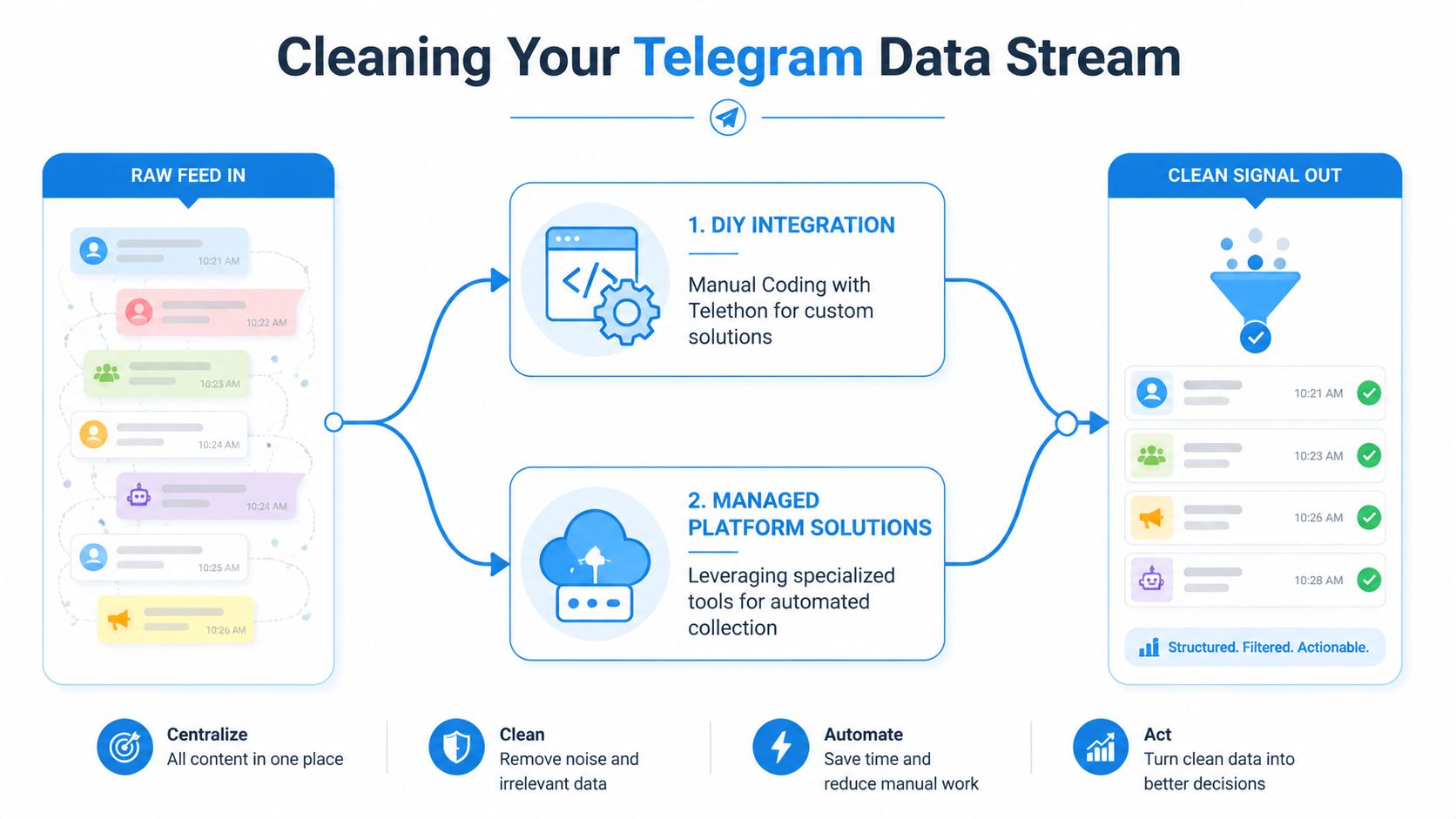
Build around decisions, not topics. "Crypto channels" is not a watchlist. "Channels whose coverage changes what we publish this week" is. Every channel on the list should map to something you will actually do differently based on what it posts.
Keep intake simple. If adding a channel takes a form and an approval, the list stops reflecting reality within a month. Add public channels freely, prune quarterly.
Preserve edits and deletions from day one. This is the one thing you cannot backfill. A monitoring tool can only show you changes from the moment it starts watching — add channels before you need the history, not after the story breaks.
Include qualitative review. Metrics tell you a post spread; only reading it tells you why. Budget time for a human pass on the top few posts per period, or you'll build a very efficient system for missing the point.
Two failure modes to watch. DIY automation degrades quietly — a bot loses access, a selector breaks, a rate limit kicks in, and the feed just gets thinner instead of erroring. Check for silence, not just for errors. And signal turns into clutter as exceptions accumulate: every "just add this one keyword" makes the next one harder to justify. Re-baseline the filters on a schedule.
The 10 Tools, by Job
1. Statiko
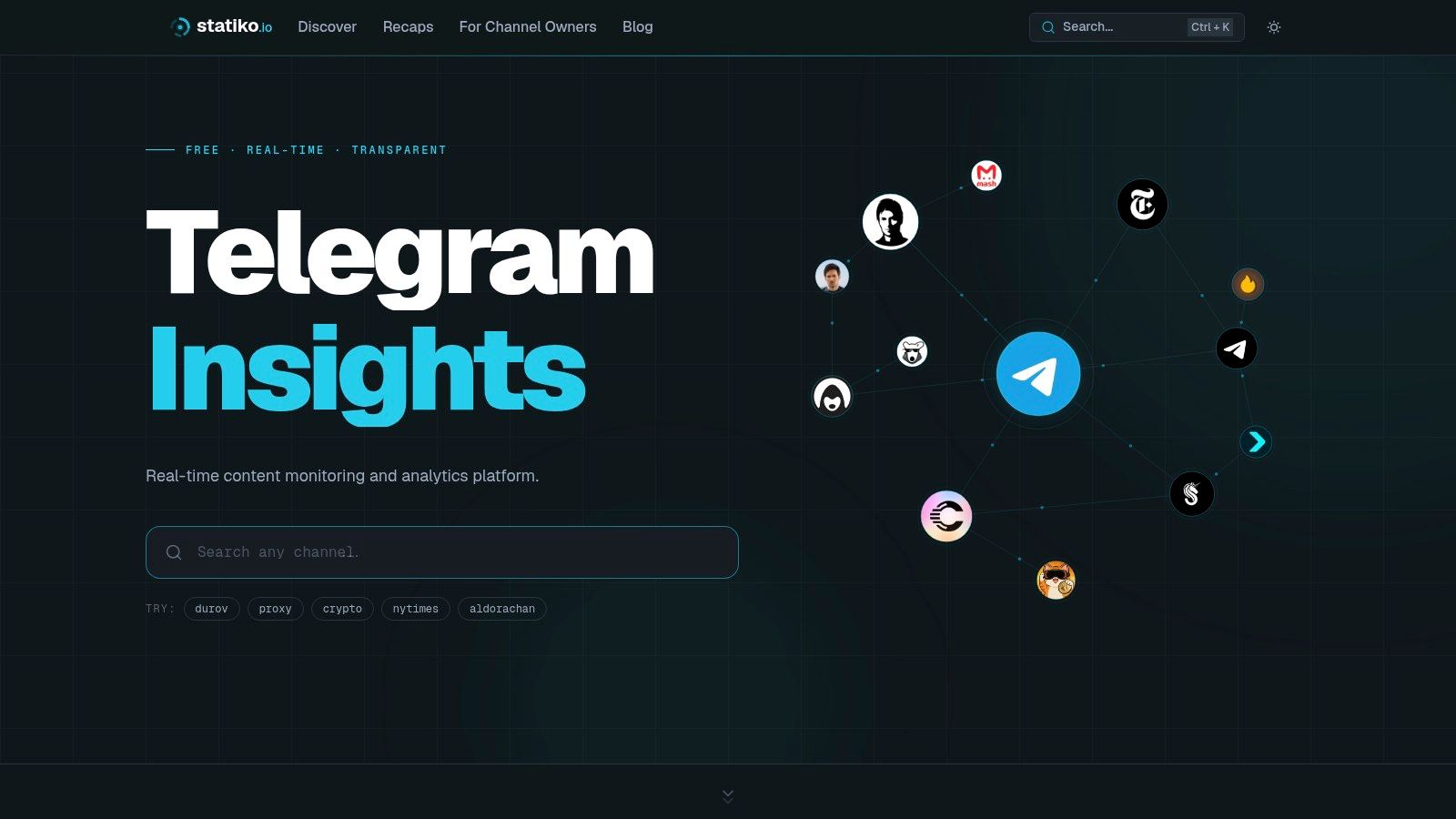
Statiko solves the problem most tools dodge: what changed after publication. You can add any public channel without ownership, login, or permission — good for competitor analysis, journalism, OSINT, and sponsor due diligence.
What it's actually for. Most Telegram tools show a channel's current state. Statiko preserves state instead: versioned message records, including edits and deletions, so you reconstruct history instead of guessing from screenshots. It's not "how fast is this channel growing," it's "what did they remove, and what pattern does that reveal."
If message integrity matters more than discovery breadth, put edit and deletion tracking ahead of prettier dashboards.
It also layers AI summaries and recaps on top of raw monitoring: top-performing posts, posting patterns, timing signals, and anomalies like deletion spikes. For the workflow behind turning raw activity into a usable brief, see AI summaries of Telegram channels.
Trade-offs. Statiko only covers public channels, not private channels, groups, or DMs — a limit for closed-community work, but a clean privacy boundary. Core features (edit/deletion history, growth analytics, AI insights) are free; creator tools like scheduling and monetization are still rolling out. For transparency work specifically, it's the best Telegram channel monitoring tool available.
2. TGStat
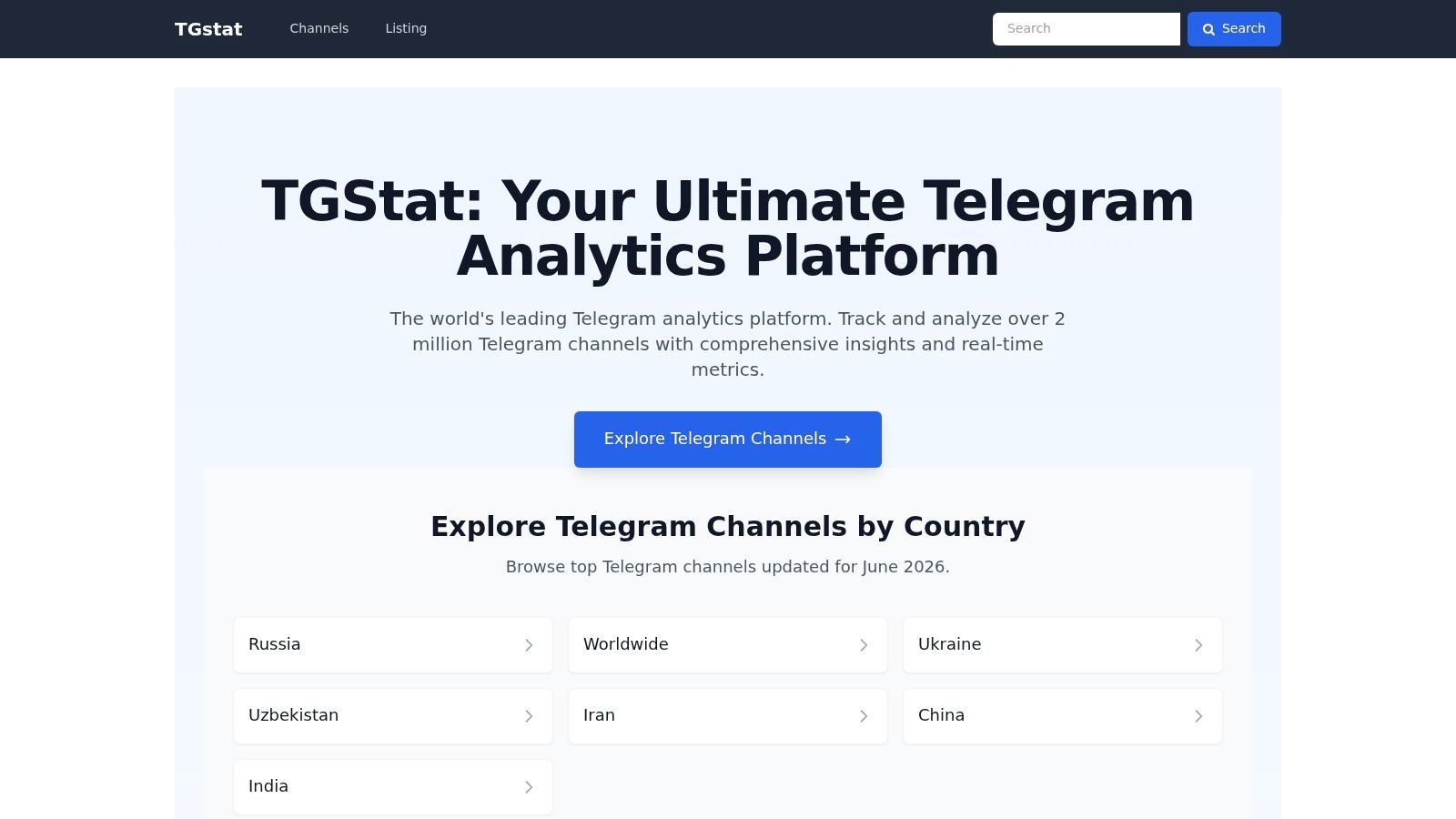
TGStat is the tool for a fast first pass — one of the most widely used platforms for public-channel analytics. Its strength is speed: look up a channel, check rankings, scan growth and engagement indicators, get a rough sense of where it sits. The interface is Russian-first, so if that's a barrier, read using TGStat in English before you commit.
Best use case. TGStat is for triage, not forensics. An agency shortlisting sponsors, or a researcher sizing up a niche, gets directional answers fast.
- Scouting: category and country rankings surface adjacent channels fast.
- Quick checks: public profile pages need no onboarding.
- Lightweight benchmarking: relative positioning, not an audit trail.
The limitation: no edit and deletion transparency, and free pages skip the historical context investigators usually need. Great scout, weak forensic record.
3. Telemetr (Telemetrio)
Telemetr is for buyers and researchers who care about the ad market as much as the content. An independent comparison calls it a deep ad-market intelligence platform: rankings, post search, ad-creative intelligence, fraud signals, API access — more research-heavy than beginner-friendly, per this comparison of Telegram analytics tools.
Where it earns its keep. Vetting sponsorship inventory, studying who advertises where, understanding how a niche monetizes. If the ad layer isn't what you need, the roundup of Telemetr alternatives sorts the options by job.
- Ad-buy diligence: which channels look active and commercially relevant.
- Creative reconnaissance: which ad formats and patterns keep recurring.
- Keyword surveillance: which themes or offers are gaining traction.
Better fit when the real question is "should we buy here" rather than "what changed in this message over time." The trade-off is usability, and deeper export sits behind paid tiers.
4. Telemetry
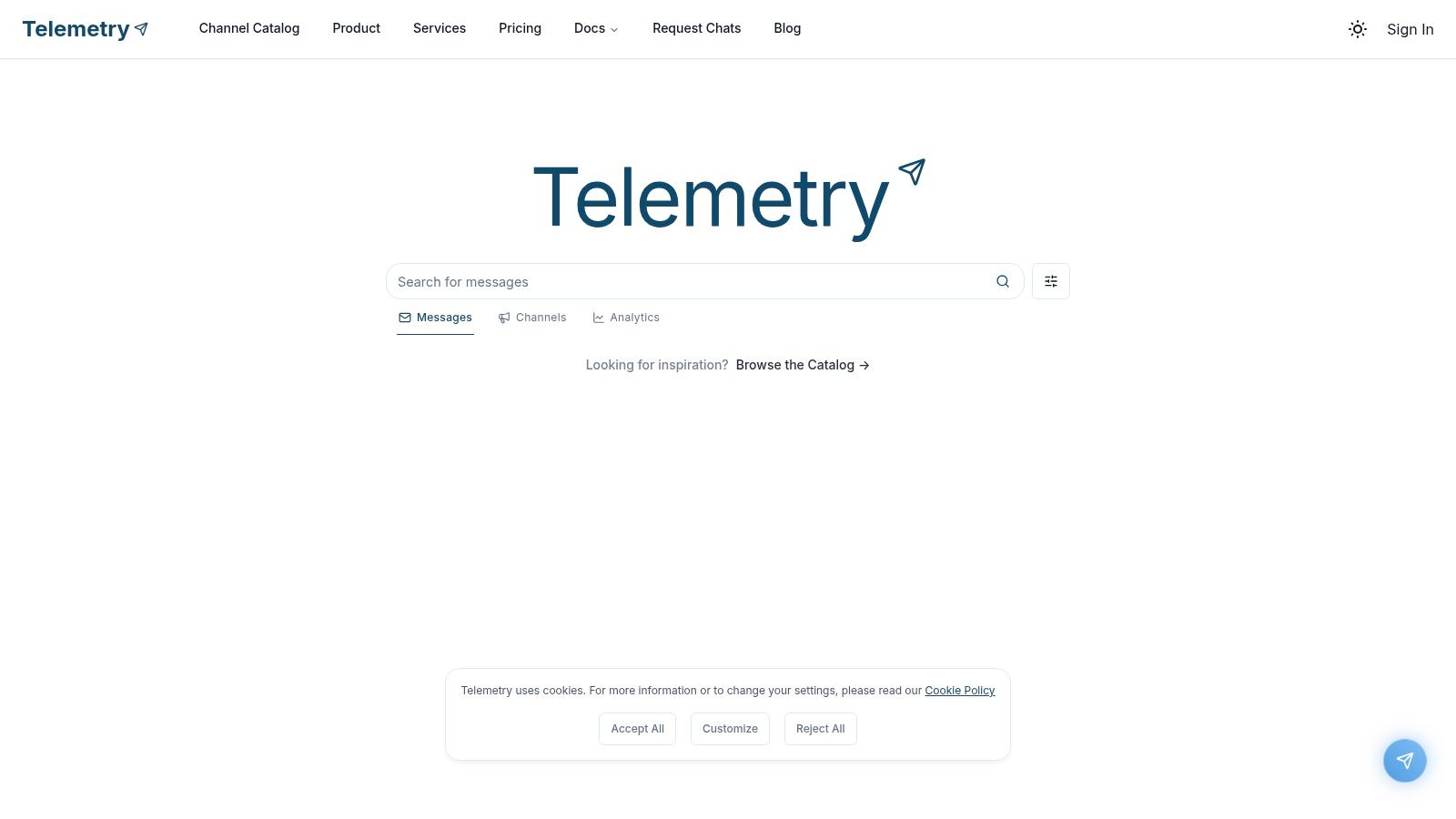
Telemetry is the search specialist. If the job starts with a keyword, phrase, or account name and expands into channel intelligence, it's a practical option. Full-text search and Boolean logic serve investigators who don't start with a fixed watchlist.
- Narrative mapping: where a phrase or theme is appearing across public Telegram.
- Lead generation for OSINT: which channels repeatedly mention a target entity.
- Workflow export: whether data leaves the platform cleanly for analysis elsewhere.
CSV export and API access matter here, and higher plans make historical work practical. What it doesn't do well is message-level forensics. It's a search engine with analytics attached, not a versioned record system.
5. Telega.io
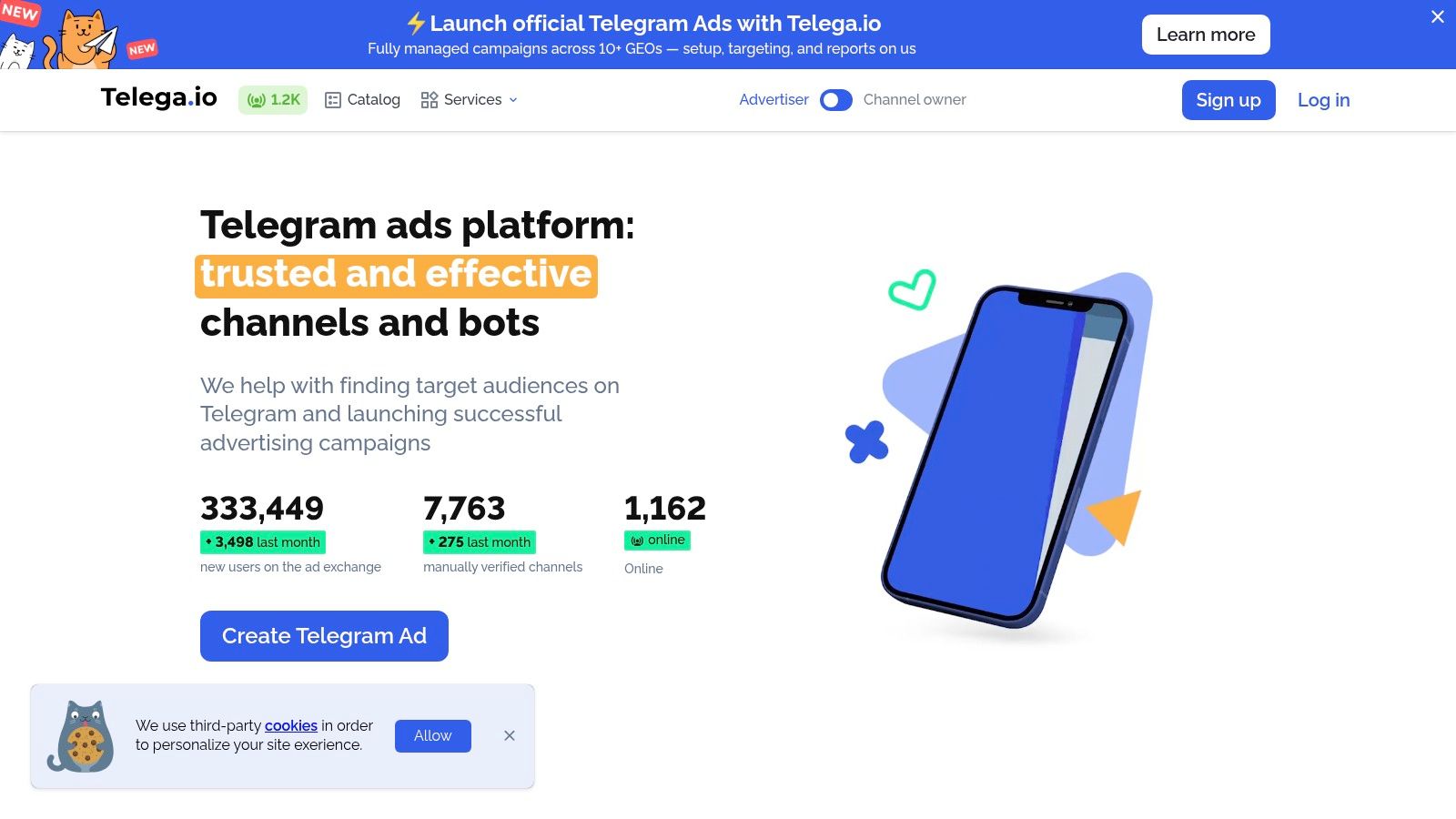
Telega.io is an ad marketplace first, but it doubles as a discovery and vetting layer for sponsorship research. The catalog structure is the draw: browse channels, compare them in an advertising context.
- Inventory scouting: finding channels by topic and commercial fit.
- Partner vetting: reviewing stats before a sponsorship conversation.
- Cost benchmarking: how channels are positioned in the ad market.
Not the tool for edit tracking or historical message audits. Use it for commercial evaluation, not forensic certainty.
6. Popsters

Popsters makes sense when Telegram is only one part of a content benchmarking workflow — it covers multiple social platforms, and that cross-network view is the reason to pick it.
- Cross-platform analysis: Telegram doesn't sit in isolation.
- Fast exports: useful for client decks.
- Low friction: easier to adopt than research-heavy tools.
If a stakeholder needs slides by end of day, Popsters beats a sophisticated OSINT platform. It's weaker once the work turns investigative — no edit or deletion history.
7. LiveDune
LiveDune is one of the more marketer-friendly options — channel and group analytics, competitor checks, and reporting built for growth teams rather than investigators. It handles pre-buy checks and routine monitoring well: whether a channel looks active, whether engagement seems plausible.
The trade-offs are regional UX and depth — English support varies, and it isn't centered on message version history. A marketer's monitor, not an evidence archive.
8. Brand24
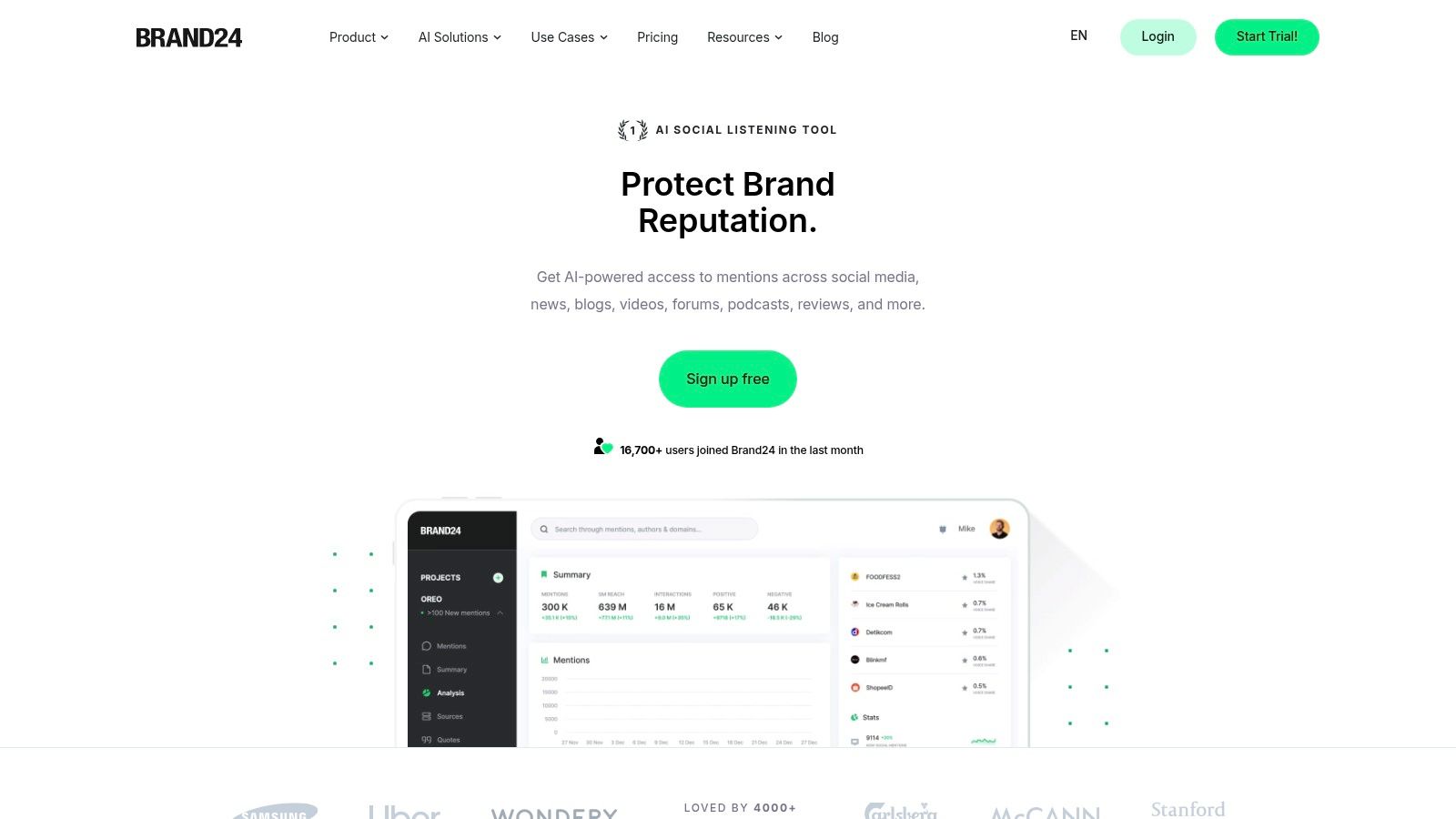
Brand24 belongs here for one reason: Telegram is sometimes just one source inside a broader reputational monitoring workflow. PR and brand protection teams need it alongside news, blogs, forums, and Reddit in the same alerting environment.
- PR monitoring: spotting emerging discussion across channels, Telegram included.
- Comms workflows: real-time alerts and reporting for team distribution.
- Broader context: whether Telegram chatter is isolated or part of a wider pattern.
Public Telegram intelligence can be noisy, with spam and low-value content creating false signals — which is why transparent methodology matters in any monitoring setup, per this Telegram scraper overview. Brand24's limitation is depth: not Telegram-native enough for channel forensics.
9. Combot
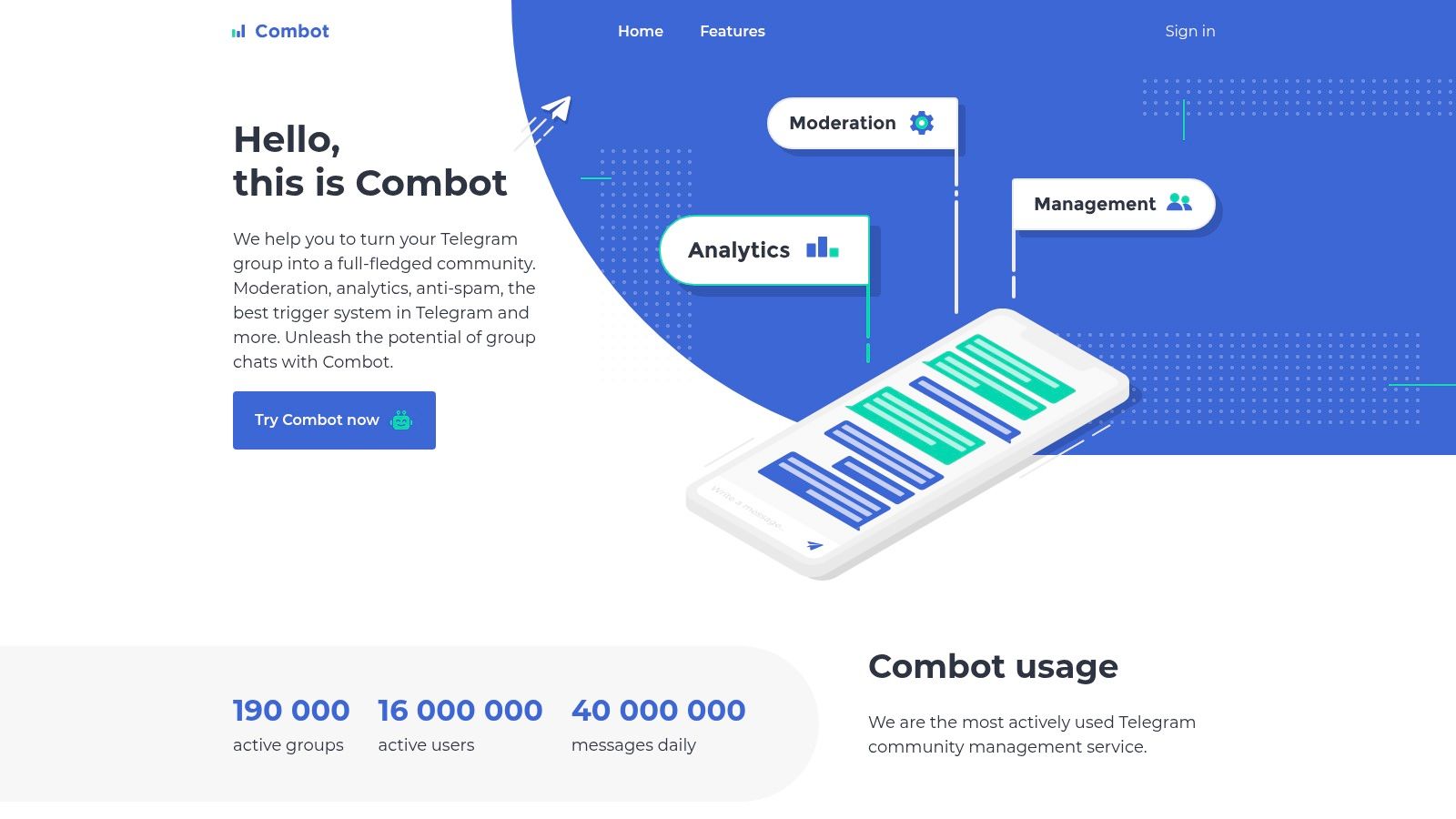
Combot solves a different job than the rest of this list: running Telegram groups, not auditing public channels from the outside.
- Large group moderation: reducing spam, filtering abuse, keeping discussion usable.
- Admin operations: automating repetitive tasks that eat moderator time.
- Community health tracking: watching participation patterns inside the group you manage.
Call it the "run the room" tool. Skip it if the job requires edit and delete tracking or due diligence before an ad buy.
10. Telagon
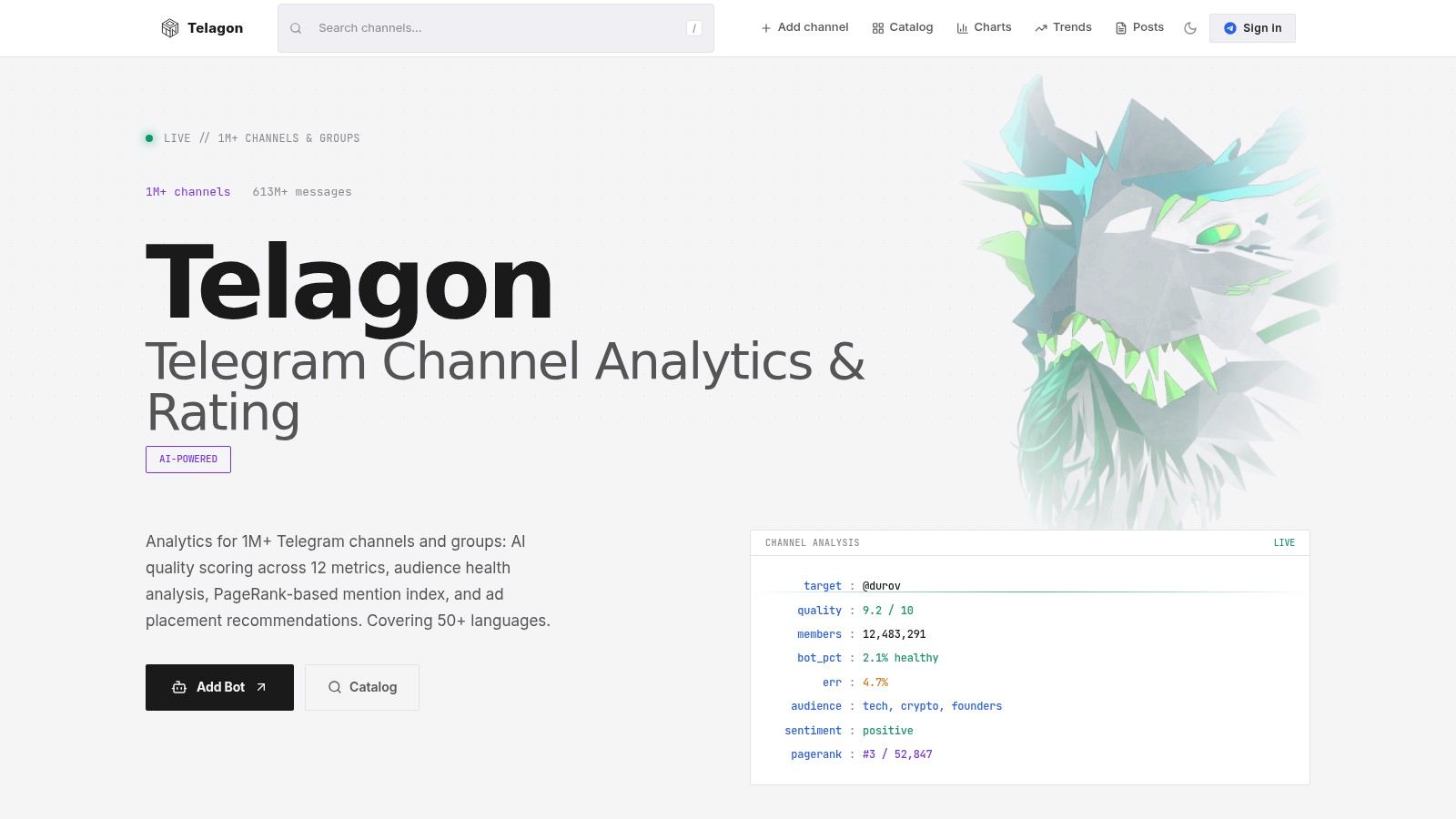
Telagon goes beyond standard growth and engagement views into quality and network signals — useful if you care less about raw visibility and more about influence patterns and audience quality.
- Network analysis: which channels seem central in a mention ecosystem.
- Placement screening: which channels look influential versus merely large.
- Benchmarking: which competitors look stronger once quality signals count.
The risk is maturity — watch for continuity and transparent methodology, and some richer signals need bot setup. Treat it as a promising analytical layer, not the sole source of truth.
Comparison Table
| Tool | Core features | UX & Quality (★) | Value & Pricing (💰) | Target audience (👥) | Unique selling point (✨) |
|---|---|---|---|---|---|
| Statiko 🏆 | Real-time monitoring; full edit/delete history; AI recaps; growth dashboards | ★★★★☆, fast, intuitive | Core features free; premium creator tools coming 💰 | Creators, marketers, researchers, analysts 👥 | Preserves every message version + AI channel recaps ✨ |
| TGStat | Channel rankings, profile pages, trend charts | ★★★☆☆, established, speedy | Free browsing; limited exports 💰 | Quick checks for researchers & marketers 👥 | Large catalog with country/topic rankings ✨ |
| Telemetr (Telemetrio) | Channel analytics, ad discovery, keyword/event tracking | ★★★☆☆, ad‑intel focused | Tiered paid plans; exports/API on paid tiers 💰 | Media buyers, advertisers, researchers 👥 | Ad discovery + estimated CPMs for sponsorships ✨ |
| Telemetry | Full‑text Boolean search; channel metrics; CSV/API | ★★★★☆, powerful search | Metered paid tiers; export/API available 💰 | OSINT, investigators, analysts 👥 | Boolean full‑text search + robust exports ✨ |
| Telega.io | Advertising marketplace; channel catalog & ratings | ★★★☆☆, market‑oriented | Catalog free; marketplace fees for buys 💰 | Advertisers, campaign managers 👥 | Ad marketplace with quality checks & filters ✨ |
| Popsters | Cross‑network content analytics; easy exports | ★★★☆☆, simple & fast | Budget-friendly plans; trials available 💰 | Small teams, social managers, freelancers 👥 | Multi-platform comparative reports & quick exports ✨ |
| LiveDune | Growth charts, engagement rates, hourly updates | ★★★☆☆, marketer-friendly | Regional/plan pricing; higher tiers for exports 💰 | Marketers, social teams, sponsor due-diligence 👥 | Hourly updates + anomaly notes for growth monitoring ✨ |
| Brand24 | Cross‑channel listening, alerts, sentiment analysis | ★★★★☆, strong alerting | Entry tiers ~ $99–$199+/mo; enterprise plans 💰 | PR, comms, reputation teams 👥 | Cross-channel media listening with strong alerts ✨ |
| Combot | Group moderation bot; analytics dashboards | ★★★☆☆, reliable at scale | Core bot free; premium features vary 💰 | Community managers, group admins 👥 | Combines moderation with analytics in one bot ✨ |
| Telagon | AI quality scoring; audience health; mention index | ★★★☆☆, innovative, evolving | Pricing often by contact / in-product 💰 | Advertisers, analysts, competitors benchmarking 👥 | AI PageRank-style influence & audience health metrics ✨ |
From Monitoring to Reporting
Monitoring produces a stream. A report produces a decision. The gap between them is where most setups stall — plenty of data, no repeatable way to say what it meant.

Telegram exposes the raw building blocks: its statistics API gives administrators and third-party tools access to subscriber growth, post reach, and time-based view patterns. Build the report around four metric groups.
Growth — direction, not size. A big subscriber count can hide weak acquisition, short-lived spikes, or losses that started after a content shift. Track subscriber count history over time, gain and loss periods tied to specific posts, growth concentration by topic, and whether new subscribers keep viewing.
Engagement — consumption and circulation. Views are the starting point, not the conclusion. Compare reach per post, forward activity, reactions and replies, and engagement rate relative to channel size and posting rhythm.
Cadence — the source of most false diagnoses. Teams blame weak creative when the issue is timing. If five posts compete within a short window, average reach per post falls even when the topic is sound. Track frequency, spacing, publication time, and view accumulation speed. Does more output create more distribution, or just more internal competition?
Transparency — how stable is the public record? Research on public Telegram monitoring shows message-level change tracking matters because static snapshots miss posts revised or removed after attention arrived. A channel that edits heavily should be read differently from one that leaves its record intact — message testing for a marketer, possible cleanup for a researcher.
| Surface check | Real report |
|---|---|
| Current follower count | Direction of subscriber movement over time |
| Latest post views | View patterns across posts and periods |
| A few viral posts | Consistent winners, laggards, and anomalies |
| Visible messages only | Published record plus changes after publishing |
Run it on a rhythm rather than on curiosity: daily for subscriber direction and whether recent posts are gaining traction, weekly to compare posts and identify outliers, monthly to benchmark periods, topics, and channel behavior over time. For the metric definitions behind all of this, see Telegram channel analytics.
FAQ
Can I monitor a channel I don't own? Yes, if it's public. Third-party monitoring works from the outside without admin rights, which is the entire point for competitor tracking, journalism, and due diligence. Private channels, groups, and DMs are out of scope.
Why can't I see Telegram's built-in statistics? They're admin-only, and they only unlock once the channel clears 50 subscribers. Below that, or for any channel you don't administer, native stats simply don't exist — which is why third-party tools filled the gap.
How many channels can I realistically track? Manually, three to five before it degrades. With native folders and mutes, ten to twenty. With a monitoring platform, the number stops being the constraint and watchlist discipline becomes the constraint instead.
Can a tool show me posts that were deleted before I started monitoring? No. Preserved history starts when monitoring starts. This is the single most common regret — teams add a channel after something interesting happened and find the record already gone.
Do I need alerts and reports, or just one? Both, for different jobs. Alerts handle events needing action within the hour. Reports handle what a period added up to. Wiring every notable event into an alert is how teams end up ignoring the alerts.
Is monitoring public Telegram channels legal? Monitoring publicly available channel content is generally legitimate, and it's what analysts, journalists, and brand teams do daily. The line to hold is public versus private — automating collection doesn't change the ethics. If your work is investigative, the Telegram OSINT guide covers evidence handling and provenance.
The Future of Telegram Intelligence Is Transparency
Choosing a monitoring setup changes the job from passive reading to active analysis. You stop asking what a channel looks like today and start asking what it's been doing over time, and whether the record holds up.
Public discussion of monitoring tends to focus on real-time alerts and keyword capture, missing historical change tracking — a developer project on Telegram monitoring notes how much tooling matches keywords in real time while failing to preserve what changed after an edit or deletion (historical change tracking discussion).
These tools split into three camps: transparency (Statiko, preserving edit and deletion history without ownership access), market and discovery (TGStat, Telemetr, Telega.io, Telemetry), and operational (Combot, LiveDune, Brand24).
If you only need surface analytics, most of these will work. If you need evidence instead of charts, the field narrows fast. The best Telegram channel monitoring tool isn't the one with the longest feature grid — it's the one that matches the job.
If you need a practical place to start, try Statiko. It gives you real-time public-channel monitoring, preserved edit and deletion history, AI summaries, and growth analytics without requiring channel ownership or login.
Related posts

The complete guide to AI summaries, recaps and digests of Telegram channels — how they work, the four ways to get one, and seven recap formats.

Unlock growth with our guide to Telegram channel analytics. Learn to track key metrics, analyze competitors, and make data-driven decisions for your channel.

Master Telegram OSINT with our 2026 guide. Learn profile discovery, channel analysis, network mapping, and the best tools for open-source intelligence research.
Start in seconds.
Create a free account to organise channels, track activity, and get recaps delivered to you.
Real-time. Telegram. Analytics.