Saved Messages in Telegram: How to Actually Use It Well
Learn how to use Saved Messages in Telegram as a personal cloud workspace. Covers syncing, organization with hashtags and pins, and practical workflows for creators.

Saved Messages is a private chat with yourself inside Telegram. Forward messages into it, drop files, type notes, send voice memos — it syncs across all your devices through Telegram's cloud and nobody else can see it.
Technically it's a conversation with your own user ID. Forensic researchers have noted it acts as a de facto storage locker where users accumulate media, documents, and bookmarked messages. For a technical breakdown, see this video analysis.
| Feature | Details |
|---|---|
| Storage | Effectively unlimited, 2 GB per-file cap |
| Sync | Automatic across phone, desktop, tablet, web |
| Access | Forward from any chat, or type/upload directly |
| Privacy | Only you can see it |
Syncing
Everything lives on Telegram's servers, not on your phone. Forward a link during your commute and it's on your laptop when you get to your desk. Your content also survives a lost or broken phone — as long as you can log back in. More on this in our guide on Telegram chat backups.
Telegram holds a 37.68% market share in instant messaging, largely thanks to its cloud-first architecture. More stats at whop.com.
Workflows for Creators
Content library — Consolidate post ideas, brand assets (logos, hex codes, graphics), and community content in one searchable place instead of scattering them across apps.
Draft previews — Compose a full channel post with formatting and media, preview it, then forward to your public channel when ready.
Reusable templates — Store welcome messages, FAQ answers, and promo snippets. Forward them to a chat or channel when needed.
Staying Organized
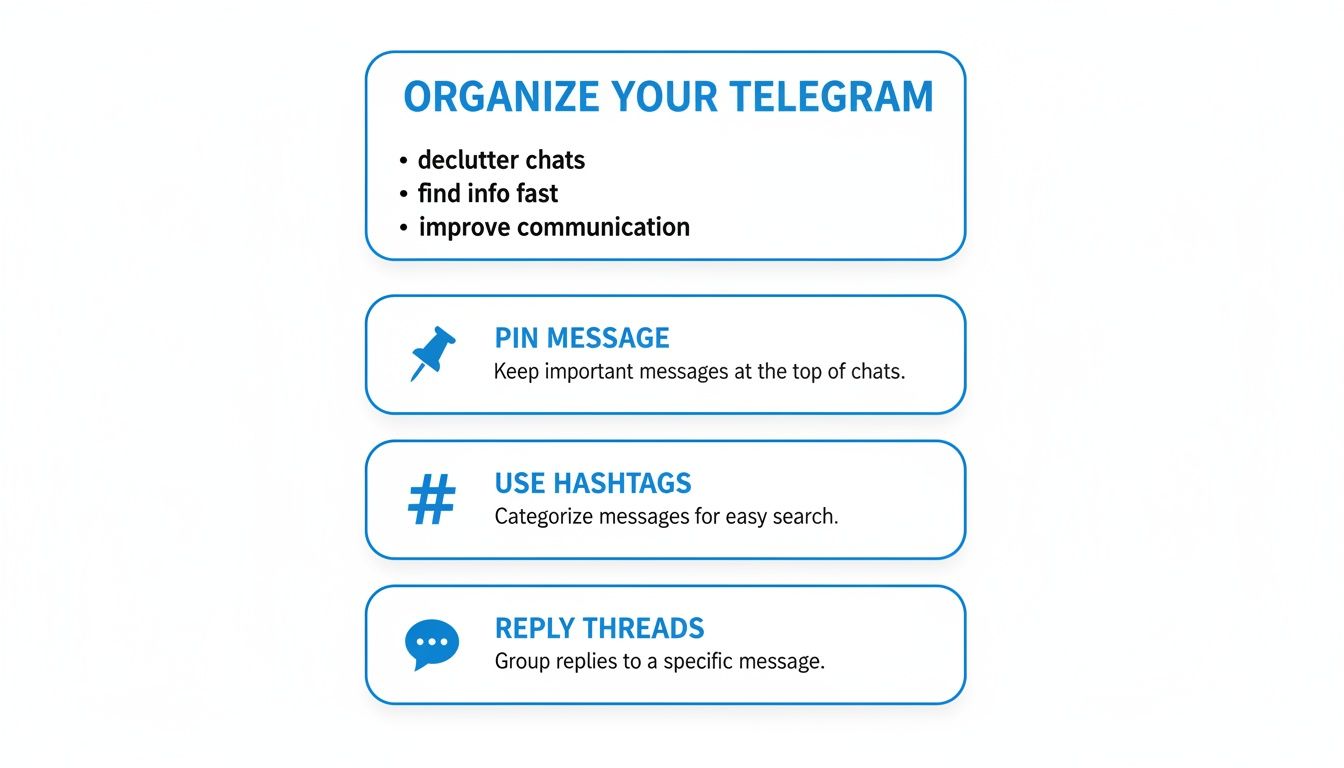
Hashtags — Tag messages with #ideas, #drafts, #clientX, etc. Telegram makes them clickable and searchable, turning a flat feed into a tagged database.
Reply threads — Reply to your own messages to group related items together. Good for bundling research on a single topic.
Pinning — Pin messages you reference daily (brand colors, contacts, links). They stay at the top.
Saved Messages vs Other Backup Methods
| Method | Best for | Drawback |
|---|---|---|
| Saved Messages | Quick notes, drafts, links | Deletion is permanent — see how to recover deleted messages |
| Private channel | Topic archives, team references | Manual, can get cluttered |
| Desktop export | Full offline archive | Manual, not live |
| Third-party tools | Automated backups | Requires external data access |
Telegram's user base has grown 31% since 2020. More on backing up Telegram history.
Privacy and Analytics
Saved Messages is invisible to analytics tools — including Statiko. We analyze public channel data only. Your private content stays private, with no API to access it.
For what analytics can track, see our guide on Telegram channel analytics.
FAQ
Is there a storage limit?
No practical limit. Individual files are capped at 2 GB.
Multiple accounts?
Each account has its own separate Saved Messages tied to its phone number.
How do I find old content?
Keyword search, hashtag search (e.g. #drafts), or date search via the calendar icon.
Statiko provides transparent analytics and content history for public Telegram channels — track edits, monitor growth, and get AI-powered insights about your audience and competitors. Start at statiko.io.
Related posts

Telegram's cloud sync is not a backup. Export your full history from Desktop, work around the mobile limits, and automate the whole thing.

Unlock growth with our guide to Telegram channel analytics. Learn to track key metrics, analyze competitors, and make data-driven decisions for your channel.
Start in seconds.
Create a free account to organise channels, track activity, and get recaps delivered to you.
Real-time. Telegram. Analytics.