How to Join a Telegram Group: Links, Search, QR Codes
Join any Telegram group in seconds with an invite link, username, search, or QR code — plus how to fix the errors that block you from joining.

Joining a Telegram group takes seconds once you know the method. With over 950 million active users, there's a community for nearly every niche — but the groups worth being in are rarely the easiest to find. For a curated list of professional communities worth joining in 2026, see 10 hot Telegram groups by role and use case. If you're starting your own group instead of joining one, see our complete guide to Telegram group chats. Once you're in a group and want to connect with specific members as contacts, see how to add friends on Telegram.
How to Join a Group on Telegram
Three main methods cover almost every situation.
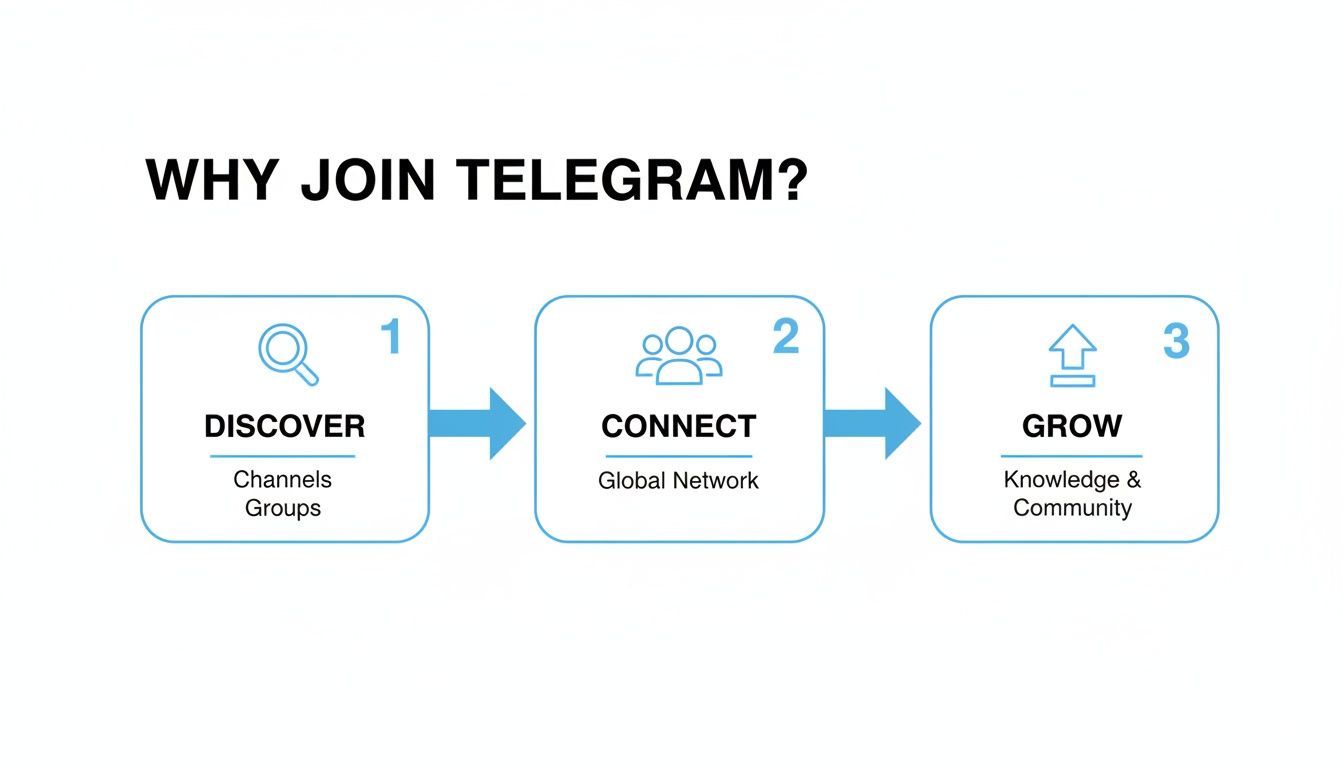
Search — Tap the search bar at the top of Telegram, type a topic, and filter to groups. Member counts show right in the results. Try variations: "digital marketing strategy" pulls up different communities than just "marketing."
Invite link — Links starting with t.me/ open a group preview with a single "Join Group" button. This works for both public and private groups and skips the search entirely.
Username — Some groups use a public handle like @TechNews. Type it directly into the search bar.
QR code — Scan at events or from print materials. Your camera triggers the invite automatically.
| Method | What You Need | Best For | Works On |
|---|---|---|---|
| Global Search | A keyword | Discovering public groups | All devices |
| Invite Link | A t.me/ link |
Joining a specific group | All devices |
| Username | @handle |
Known public groups | All devices |
| QR Code | Phone camera | Events, physical media | iOS, Android |
For more discovery strategies, see the guide on finding a Telegram channel.
Public vs. Private Groups
Public groups appear in search and are open to anyone. Private groups are invisible to search — the only way in is through an invite link (t.me/joinchat/...) or a direct add from an existing member.
If a group doesn't come up in search, it's private. That's deliberate. Private groups are common for paid communities, team workspaces, and close-knit interest circles where admins control membership tightly. See our full breakdown of how secret Telegram groups work.
Protecting Your Privacy
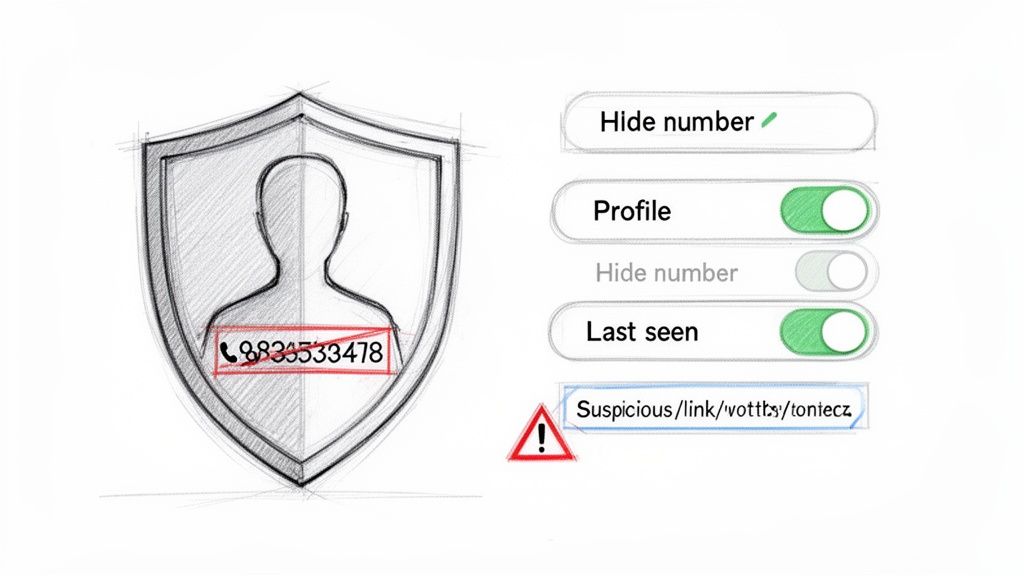
The most important setting: Settings > Privacy and Security > Phone Number → set to Nobody. By default, anyone who has your number saved in their contacts can link it to your Telegram profile. One change blocks that.
Public username — lets people mention you without revealing your number. Neutral profile picture — keeps personal details out of group member lists.
For a full identity separation, read the guide on Telegram anonymous chat.
One other thing: don't click links from strangers in large groups. Phishing is common in communities with light moderation, and admins can't catch every bad message.
Troubleshooting
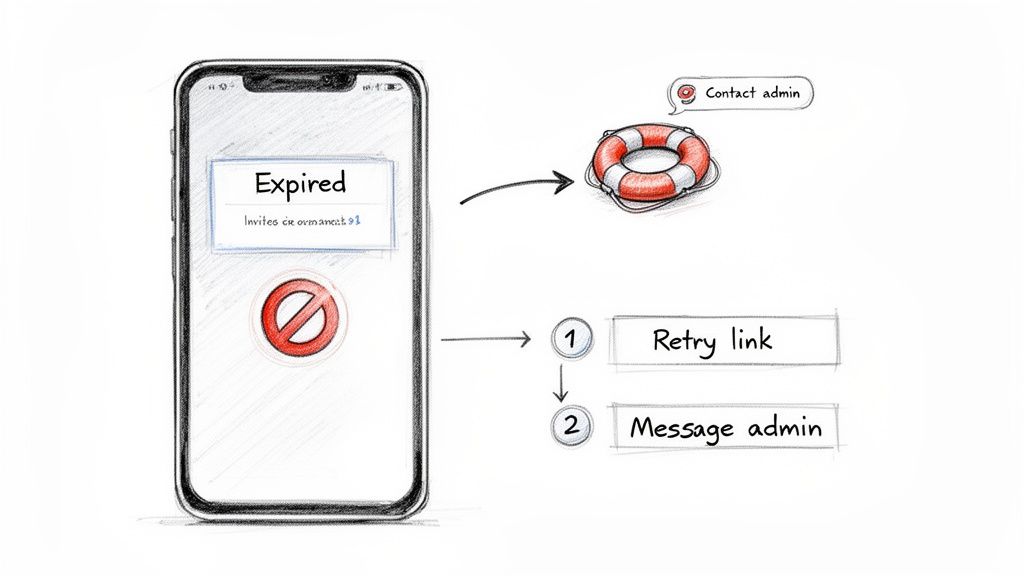
"Invalid Invite Link" or "Expired" — The admin revoked or time-limited it. Find a current member and ask for a fresh link.
"Group Not Found" in search — It's a private group. No amount of searching will surface it; you need a direct invite.
Kicked immediately after joining — An anti-spam bot flagged your account. New accounts without a profile picture or username are common false positives. Find the admin contact in the group description and send a polite message.
"This group can't be displayed" — The group was likely suspended for ToS violations. See the detailed breakdown of this error.
With 196 million daily active users on mobile, automated bots are how admins manage incoming volume. If one catches you by mistake, a short message to an admin usually resolves it.
FAQ
Can my contacts see which groups I join? No. Telegram doesn't notify contacts when you join. If a contact is already in the same group, they'll see you in the member list — but there's no activity feed or notification.
What's the difference between a group and a channel? Groups are two-way: everyone can post and reply. Channels are one-way: only admins post, members read. Groups for community discussion, channels for broadcast content. For a full breakdown of group types, permissions, and moderation, see our Telegram group chat guide.
How many groups can I join? 500 combined (groups + channels). Hit the cap, leave something first.
Why was I removed right after joining? Almost always an automated bot, not a human decision. Find admin contact info — it's usually in the group description — and explain what happened.
For channel creators and marketers who want to understand their audience and competition, Statiko offers unparalleled analytics for public Telegram channels. Track message edits, view growth metrics, and gain AI-powered insights to make data-driven decisions. Discover the full story behind any public channel at https://statiko.io.
Related posts

In-app search only gets you so far. Use usernames, t.me links, directories, and subscriber data to find channels — then vet them before you join.

Your complete guide to anonymous chat Telegram features. Learn how to master anonymous posts, manage channels, and understand true privacy limits in 2026.

The 10 best Telegram groups for marketers and creators, the directories to find more, and how to vet a group before you commit time to it.
Start in seconds.
Create a free account to organise channels, track activity, and get recaps delivered to you.
Real-time. Telegram. Analytics.