How to Add Friends on Telegram: 5 Easy Methods (2026)
Learn how to add friends on Telegram using a phone number, username, or QR code. Our guide covers Android, iOS, and Desktop with key privacy tips.

The fastest way to add friends on Telegram depends on context. Phone numbers are reliable but expose your personal graph. Usernames and QR codes work without exchanging numbers. Each method fits a different relationship.
Telegram grew from 100 million users in 2016 to over 950 million by March 2024. A Wadesk summary noted that 70% of new chats start via global username search rather than phone contacts — not the oldest method, but the most common one now.
The five common paths:
- Phone number sync — for contacts already in your address book
- Manual number entry — when someone gives you their number directly
- Username search — for professional or public connections
- QR code — for in-person handoffs
- People Nearby — location-based, use sparingly
Adding Contacts by Phone Number or Username
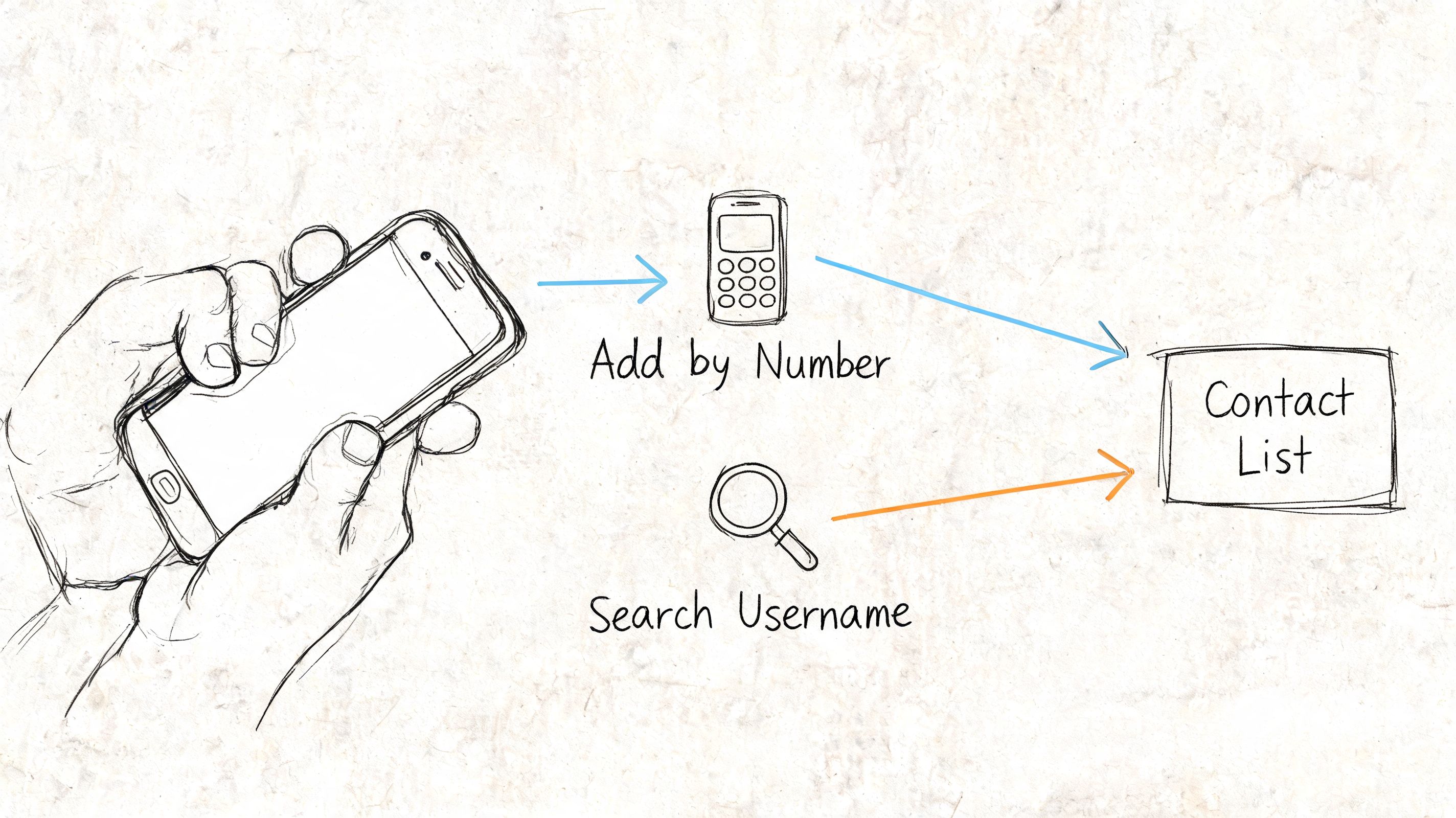
Phone-based adding still powers around 55% of connections globally. The in-app New Contact flow has a 92% success rate when the number is in correct international format (YouTube guide). When it fails, it's usually format, sync permissions, or the person no longer using that number.
Add by phone number
On Android or iPhone 1. Open Telegram → tap compose icon → New Contact 2. Enter name and phone number in international format → Save
On Desktop 1. Open Telegram → menu → Contacts → Add Contact 2. Enter number and name → Save
Use this when there's already trust and a number exchange doesn't feel invasive. Asking for a phone number from someone you just met usually creates resistance. Use username instead.
Add by username
Search @username in Telegram's global search, open the profile, and save to contacts. On mobile: tap search → enter handle → open profile → save. On desktop: same via the search bar.
This is the best default for most professional situations. The person shares a handle without exposing a number; you connect without syncing your address book.
| Situation | Better method | Why |
|---|---|---|
| Client or collaborator you just met | Username | Lower privacy cost |
| Family or close friend | Phone number | Highest reliability |
| Public-facing creator or admin | Username | Easier to share everywhere |
| You already have their number | Phone sync | Fastest path |
If you manage communities, put your username in your bio, channel description, and pinned posts.
QR Codes and People Nearby
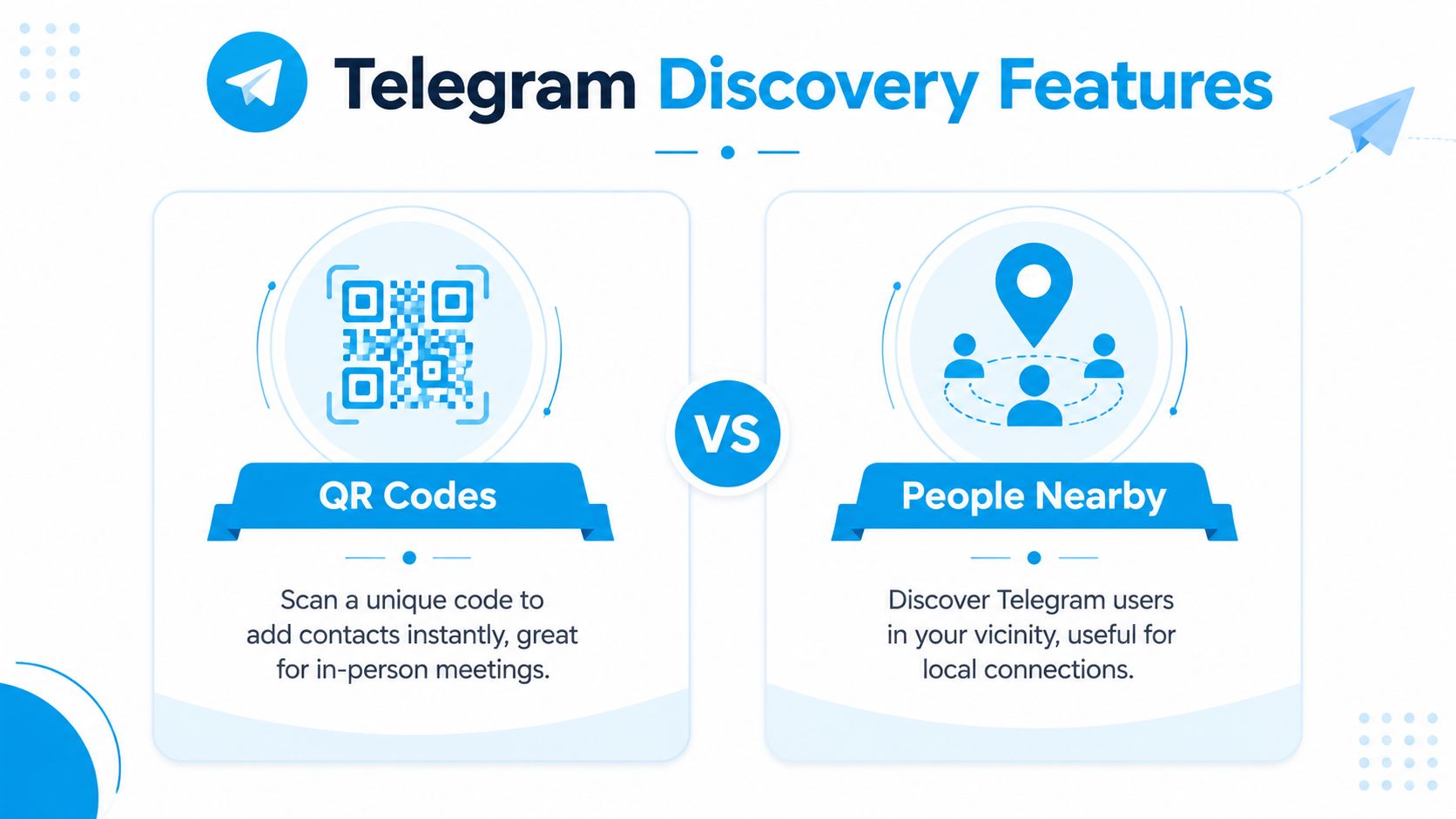
QR codes — QR is the smoothest option when two people are physically in the same place. One person opens their Telegram profile QR, the other scans it. QR codes convert at 85–90%, vs. 65–75% for username search, because search adds typing friction. Direct profile links reach ~95% in high-intent contexts (method breakdown).
Works well at conferences, creator events, team offsites, and service counters.
People Nearby — Surfaces users who have opted into location-based discovery. Occasionally useful for pop-up events or local communities, but not a default recommendation. Location exposure is a real trade-off. For understanding how audiences discover public channels more broadly, see how to find Telegram channels.
| Method | Best use | Upside | Drawback |
|---|---|---|---|
| QR code | In-person meetings | Very low friction | Requires physical proximity |
| People Nearby | Local discovery | Spontaneous local connections | Higher privacy sensitivity |
Privacy Settings First
A 2025 report noted that 15% of spam reports originate from unwanted contact additions through phone number syncs or People Nearby (InviteMember). Careless use creates predictable problems.
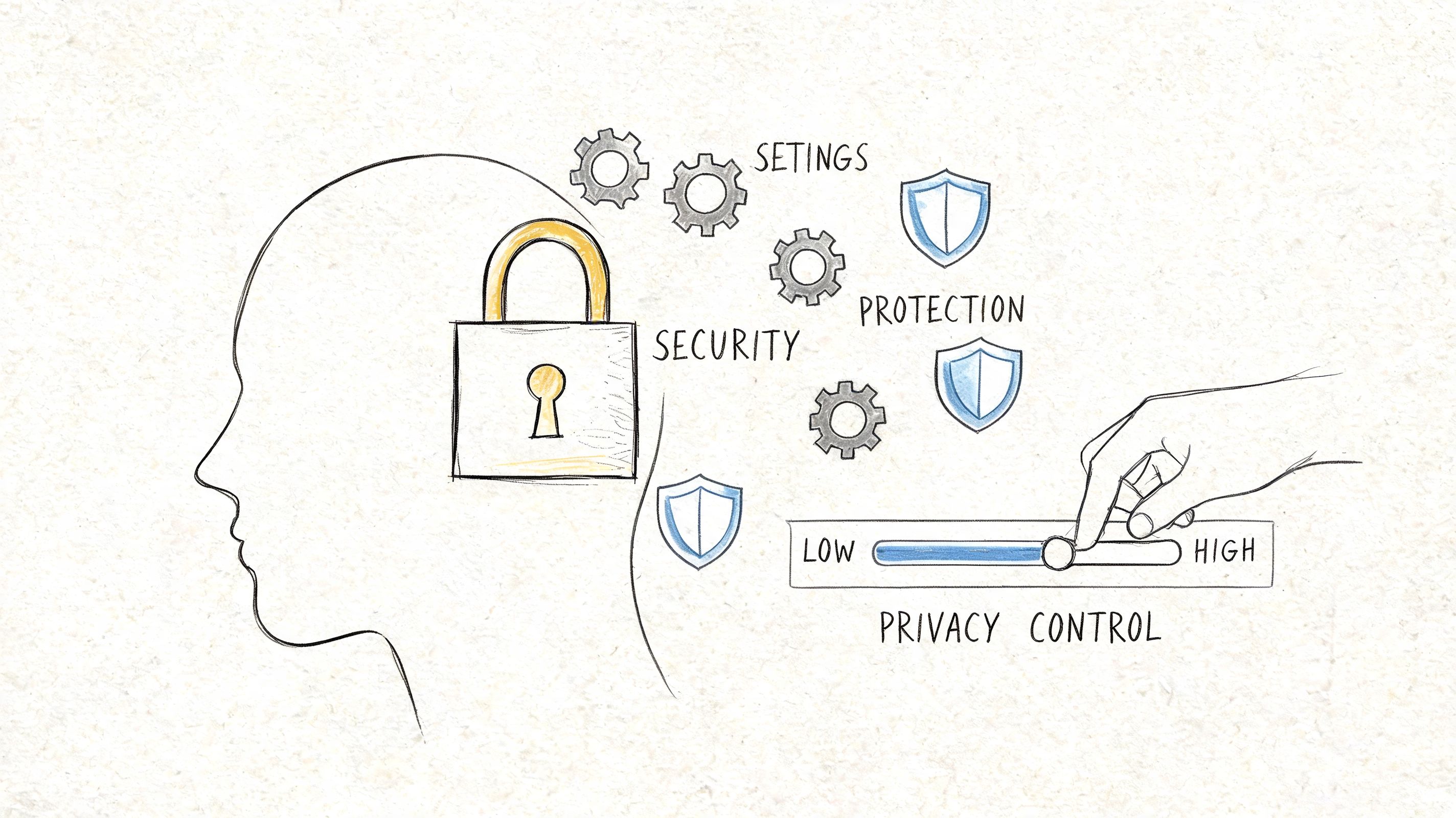
Before adding anyone, review these settings: - Who can see your phone number — don't leave it open if you do public-facing work - Who can find you by number — controls whether a saved number becomes a discoverable profile path - Nearby people — disable if you don't use local discovery - Profile photo visibility - Forwarded message attribution
Username-first keeps your personal address book separate from your public Telegram identity. If anonymity or identity separation matters in your use case, this post on Telegram anonymous chat frames the same issue from the conversation side.
Sensible default stack: 1. Create and share a clear username 2. Limit phone number visibility 3. Use QR at live events 4. Avoid People Nearby unless location is the point 5. Add by phone number only with established trust
For Channel Owners

Channel growth isn't about stacking random contacts. The goal is building consent-based pathways from discovery to subscription.
Start with a public username, a clean invite link, and a clear reason to join. Match invite links to context: - Permanent links for bios and websites - Limited-use links for partnerships - Temporary links for campaigns
The admin side of invite links is covered in this guide on Telegram invite links.
On bulk adding: Batch workflows exist. Rotating accounts can improve success rates by 40–60%, but exceeding FloodWait thresholds triggers restrictions lasting 24–48 hours (Telegram Expert). Usually better to promote a memorable username, use QR at events, and send targeted invite links instead.
Strong admins make joining easy, keep identity clear, use the least invasive contact path, and keep invites aligned with audience intent.
Troubleshooting
User not found — Check exact spelling including underscores and numbers. If they changed their username, ask for a fresh profile link or QR.
Contact from phone doesn't appear — Confirm the number is in international format and Telegram has contacts permission. The person may no longer use that number for Telegram.
QR code won't scan — Increase brightness, remove glare, ensure the code is fully visible. Fall back to the profile link or username manually. For sending large files alongside a contact handoff, this guide on file sharing covers large asset transfers.
Can message but can't add cleanly — Usually the other person's privacy settings or a username-only setup. Ask whether they prefer staying connected by username.
People Nearby shows nothing useful — Normal. The feature depends on other users opting in at the same time and place. Fall back to QR or a shared profile link.
FAQ
Can you add someone without their phone number? Yes. Username, QR code, or profile link all work without exchanging numbers.
Can someone see that you deleted them from contacts? Telegram doesn't announce contact deletion. They may notice indirectly if your visibility settings change.
Can you add someone who blocked you? No. A block prevents normal interaction.
Is username better than phone number? For most professional use, yes. It shares less personal data and is easier to place in bios and event materials.
Should channel owners use People Nearby to grow? Usually no. Too narrow for channel growth and carries more privacy sensitivity than username, QR, or invite-link workflows.
Best method for in-person networking? QR codes. Fast, clear, no typing errors.
Why doesn't Telegram find a contact I just added? Wrong number format, disabled contact permissions, old account data, or the person's privacy settings limit discoverability.
If you run a public Telegram channel and want to understand growth patterns, posting history, edits, deletions, and competitor movement without touching private chats, Statiko gives you a transparent way to analyze public channel behavior. It's especially useful when you want to see what drives discovery and subscriber momentum over time.
Related posts

Your complete guide to anonymous chat Telegram features. Learn how to master anonymous posts, manage channels, and understand true privacy limits in 2026.

Master the Telegram invite link for community growth. Learn creation, security, and analytics to maximize channel reach & engagement.

In-app search only gets you so far. Use usernames, t.me links, directories, and subscriber data to find channels — then vet them before you join.
Start in seconds.
Create a free account to organise channels, track activity, and get recaps delivered to you.
Real-time. Telegram. Analytics.