Telegram Edit History: How to Track, View, and Archive It
Learn how to view, track, and archive Telegram edit history across desktop, mobile, and web — plus tools that surface every version of a message.
A Telegram post changed after it spread, and the only clue left is a tiny edited label. That label tells you something happened. It does not tell you what the message said before, who changed it, or whether the rewrite matters.
That's the trap with telegram edit history. Telegram gives you a signal, not an archive. If you care about verification, moderation, research, or competitive intelligence, that gap shows up immediately. Use Telegram's native hints for a quick check, then rely on a third-party archive when you need the full version chain.
Why Telegram Edit History Is Harder Than It Looks
Telegram does not expose a built-in version-by-version edit history to ordinary users. In private chats, messages can be edited for up to 48 hours per Telegram's FAQ, and the app marks the post as edited instead of showing older versions to readers Telegram FAQ.
That creates a real verification problem. A channel can publish one claim, get reshared, then rewrite the wording later. A price, date, or accusation can be softened after it has already done its job, and the original disappears unless someone captured it at the right moment.
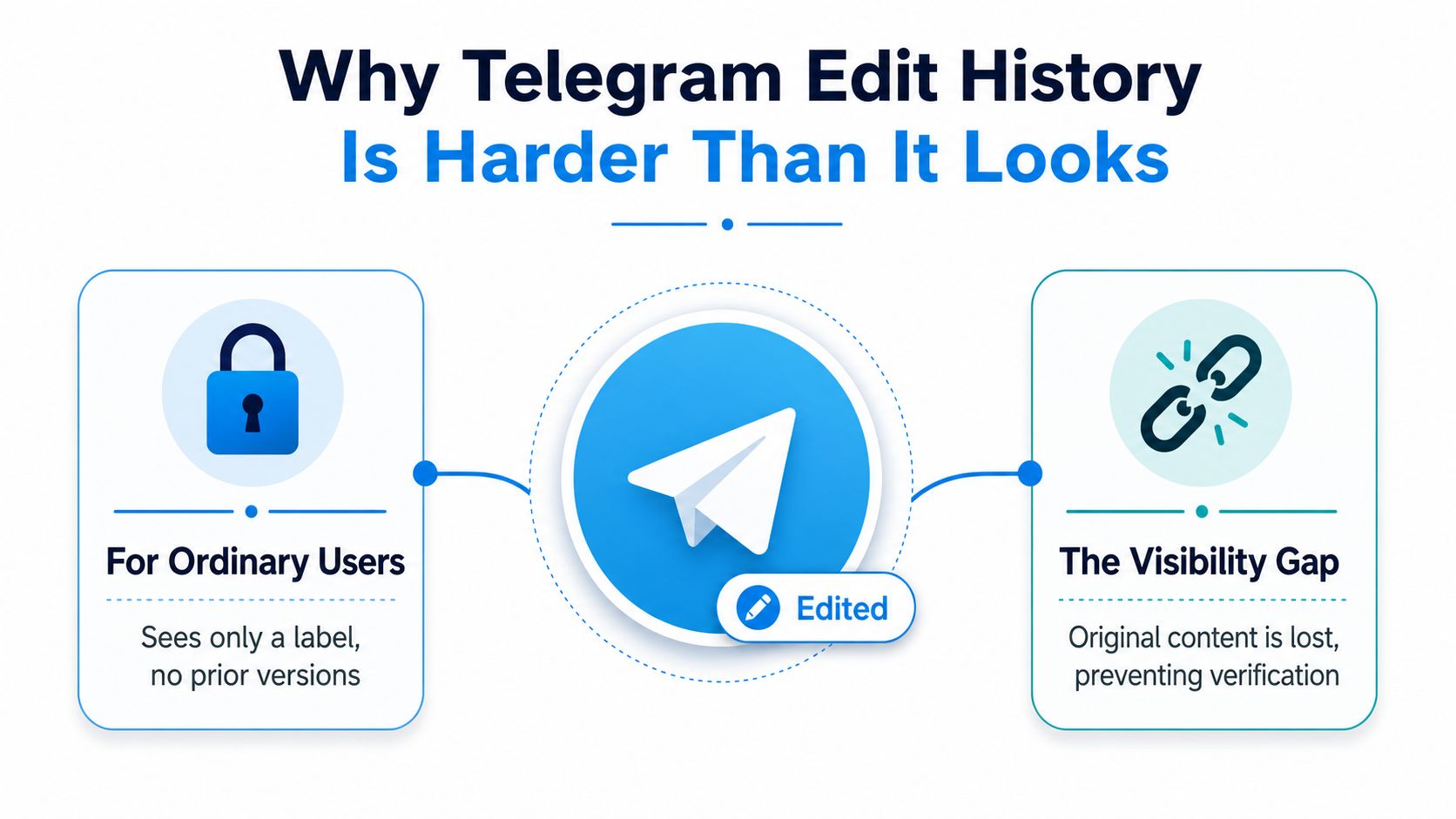
What the label really means — the edited tag is a status marker, not evidence. It confirms the message changed while keeping the latest visible state front and center. If you need to prove what a public channel said at a specific moment, you need the original snapshot, not a badge under the timestamp.
Practical rule: treat every high-stakes Telegram post as temporary unless you've archived it yourself.
For a deeper look at what gets lost when a post disappears, see how to see deleted posts from a Telegram channel.
Reading the In-App Signals on Desktop, Mobile, and Web
Telegram's native surfaces all tell the same limited story. On Android, iOS, Telegram Desktop, and the web app, an edited message gets a small edited label under the timestamp. Tapping or hovering it reveals nothing further, because Telegram's UI and public API don't expose the diff.
What admins can see and what they can't
In some large groups and channels, admins get more operational context through recent action logs, but that isn't a durable revision timeline. Telegram's group-history controls surface recent actions for up to 48 hours in some contexts, which helps with short-term moderation and not with long-term reconstruction Telegram FAQ. The API behaves the same way: it returns that a message was edited plus the last edit timestamp, never the full sequence Telegram Desktop issue.
| Surface | Shows edited label |
Shows prior versions | Shows edit timestamp | Recent admin log |
|---|---|---|---|---|
| Android | Yes | No | Yes | Sometimes, in admin contexts |
| iOS | Yes | No | Yes | Sometimes, in admin contexts |
| Telegram Desktop | Yes | No | Yes | Sometimes, in admin contexts |
| Telegram Web | Yes | No | Yes | Sometimes, in admin contexts |
| Private chats | Yes, within the edit window | No | Yes | No |
| Public channels | Yes | No | Yes | Sometimes, for admins |
Why the in-app view is never enough
What matters is what Telegram refuses to show. A readout that only says "edited" is useful for noticing a change and useless for proving how it changed. If a channel owner rewrites a claim once engagement starts climbing, the app leaves you with the final version and a timestamp.
That's where external archives become necessary. You're no longer checking whether a post changed — you're reconstructing the earlier version before it vanished from the interface.
How Statiko Surfaces the Full Edit Diff
For public channels, Statiko closes the gap by preserving every version of every message and showing complete edit and deletion histories, so you can see what changed, what disappeared, and when. Anyone can add a public channel without ownership or login.
Start at Statiko's channel search, find the channel you want to monitor, then open its page to inspect the message history. This public channel overview shows the format: archived versions presented as a readable change trail instead of a lone edited label.
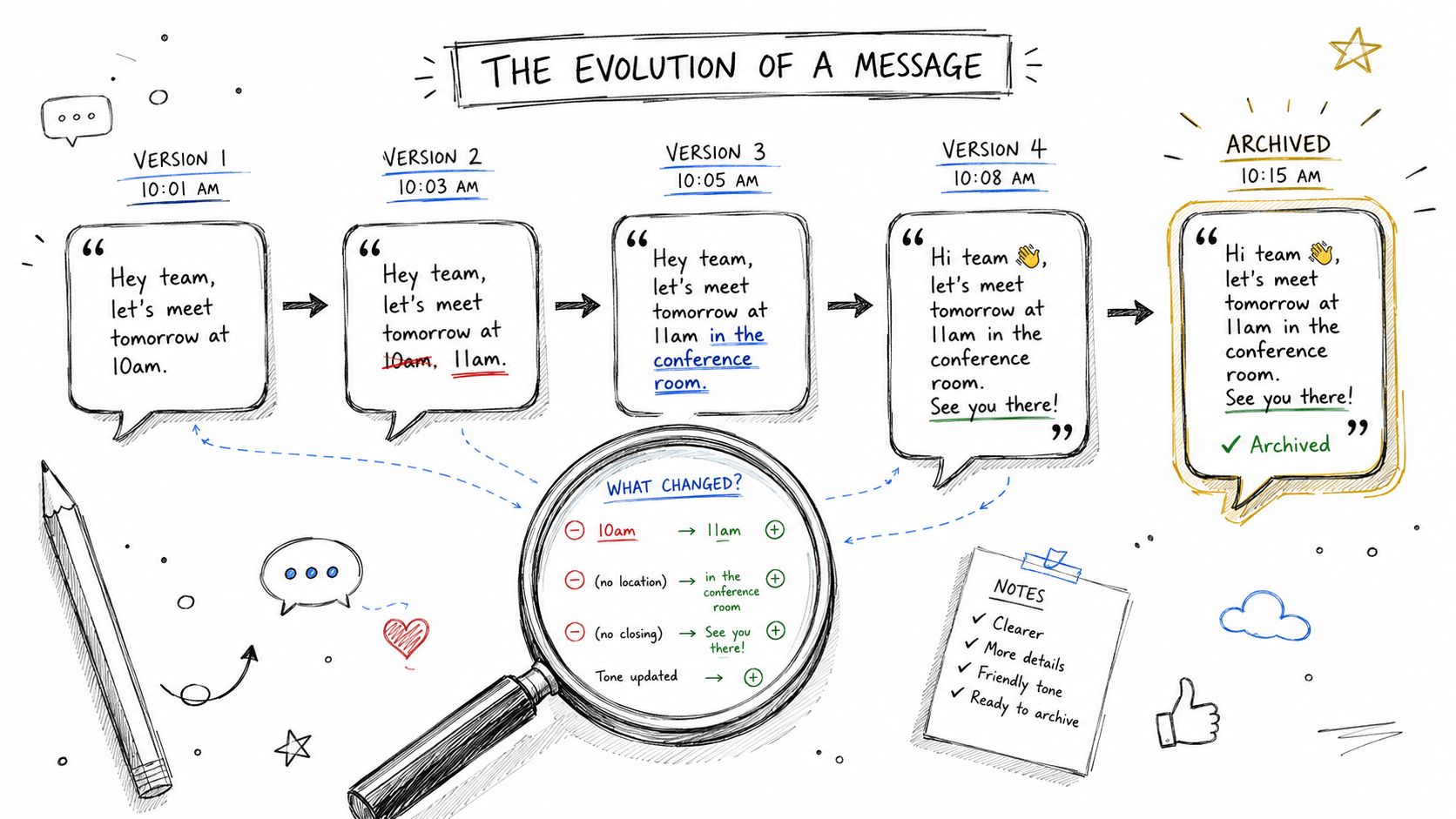
How the diff view works in practice — Statiko stores each version as it appears, so a later edit is compared against the original text rather than replacing it. A rewritten announcement, a quiet correction, or a deleted claim stays visible in context. Search the channel, open the public page, scan the post history, compare the saved versions side by side. That's an audit trail instead of a one-word badge. The channel history viewer comparison covers how other tools handle the same job.
Setting Up Ongoing Edit and Deletion Monitoring
Check edited posts manually and you'll miss the ones that change between visits. Continuous monitoring is the answer, and the workflow should be boring on purpose: add the public channel once, keep the archive running, let alerts catch the revisions and removals.
The simplest setup pairs a monitoring tool with a review cadence. Statiko's channel tracking and recap features are built for that kind of watchlist workflow.
If you build your own pipeline
The technical pattern is straightforward. TDLib's getChatHistory returns messages in reverse chronological order and caps each request at 100 messages, so any serious archive has to paginate, persist earlier snapshots, and compare new pulls against the previous state. The only_local=true flag restricts results to cached data, which is why cloud-based polling is safer when you care about edits and deletions that might disappear between reads TDLib getChatHistory.
Operational rule: if a snapshot can vanish before your next pull, your archive isn't really watching.
Use a simple checklist: - Archive cadence: pull often enough that short-lived edits don't slip through. - Diff storage: keep the original and the latest version together. - Alert thresholds: flag both rewrites and deletions, not just obvious removals. - Weekly recap: review anomaly patterns, especially clusters of edits that rewrite public claims.
For a practical alert workflow, see how to monitor Telegram channel activity. If you're backing up broader chat content as part of that process, Telegram chat backup is the right companion read.
Use Cases for Channel Owners, Moderators, Researchers, and Marketers
Channel owners need edit history for accountability. If a co-admin changes an announcement, the archive shows exactly what was altered, so there's no confusion over who said what. That matters for policy updates, launch details, or sponsor language readers may rely on later.
Moderators care for a different reason. Public Telegram content can look harmless at first and get rewritten into something abusive after it has already spread. The harm comes from the rewrite, which makes full edit and deletion timelines a safety tool rather than a curiosity.
Researchers and journalists need the version chain as evidence. A public narrative shifts fast, and a complete archive holds the original wording, the later correction, and the deletion trail in one place. Marketers and analysts use the same record for competitive intelligence: a price correction, a softened launch claim, or a removed promise often says more than the final post.
Best Practices and a Quick Monitoring Checklist
The wrong assumption is that the edited label is an archive. It's a notice that something changed, and it stops being a useful signal the moment the original wording is gone.
Use a hard-edged workflow instead: - Verify, don't just notice: check what changed, not only whether a post was edited. - Archives are essential: store the first version next to the live one. - Set up proactive alerts: don't wait for manual review. - Review regularly: scan weekly recaps for deletion spikes and suspicious rewrites.
To start tracking public channels now, open Statiko's channel search and inspect a live channel page before you trust any post at face value.
Frequently Asked Questions
Can you see the original text of an edited Telegram message? Not in the app. Telegram shows only the current version plus an edited label, no matter which client you use. The earlier text is recoverable only if something archived it — a monitoring service, a forward, or your own export.
How long can a Telegram message be edited? Up to 48 hours in private chats. Channel admins can edit channel posts with no such limit, which is exactly why public-channel claims are worth archiving.
Does the sender get notified when a message is edited? No. Edits happen silently: the message updates in place and picks up the label. Anyone who already read it sees nothing unless they revisit the post.
Can Telegram admins see who edited a channel post? Partly. The recent actions log in large groups and channels attributes recent admin actions, but it covers a short window and isn't a permanent revision history.
Is there an API for Telegram edit history? No. The API reports that a message was edited and gives the last edit timestamp, not the sequence of versions. Building a version chain means polling and storing each snapshot yourself.
How do you prove a Telegram post said something different before? With a record that predates the edit: an archived version from a monitoring tool, a forwarded copy, or a timestamped export. A screenshot alone is weak evidence because it carries no verifiable provenance.
Statiko gives you the archive Telegram doesn't. It tracks every post, edit, and deletion in public channels, so you can see the original text, the rewrite, and the moment it changed. Visit Statiko and start watching the channels you need to verify.
Related posts

Learn how to see deleted posts from a Telegram channel using caches, archives, admin logs, and continuous tracking tools like Statiko.

Need a Telegram channel history viewer? Explore top tools to see deleted messages, track edits, and analyze public channel archives for research and audits.

The complete guide to monitoring Telegram channels — the three layers of monitoring, building a watchlist, alerting without fatigue, and 10 tools compared.
Start in seconds.
Create a free account to organise channels, track activity, and get recaps delivered to you.
Real-time. Telegram. Analytics.