TG Captions World: 7 Essential Tools for 2026
Explore the tg captions world with our guide to 7 essential tools. Generate, edit, automate, and analyze your Telegram captions to boost engagement and growth.

Your channel is active, the content is solid, but engagement stays flat. Views come in. Reactions and forwards don't.
In most Telegram workflows, the weak point isn't the visual. It's the caption.
A caption frames the post, sets tone, and directs the next action. That's why tg captions world isn't just about clever writing — it's a discipline built on message design, formatting, and measurement. Some captions trigger discussion. Others drive clicks or convert. Each goal needs different structure, just like the difference between closed captions and subtitles — same content, different functions.
Most admins treat captioning as a last-minute task: one version, post it, move on. Good operators don't stop at generation. They ideate, draft, automate the repetitive parts, then analyze what performed.
The tools below cover that full workflow.
1. Statiko
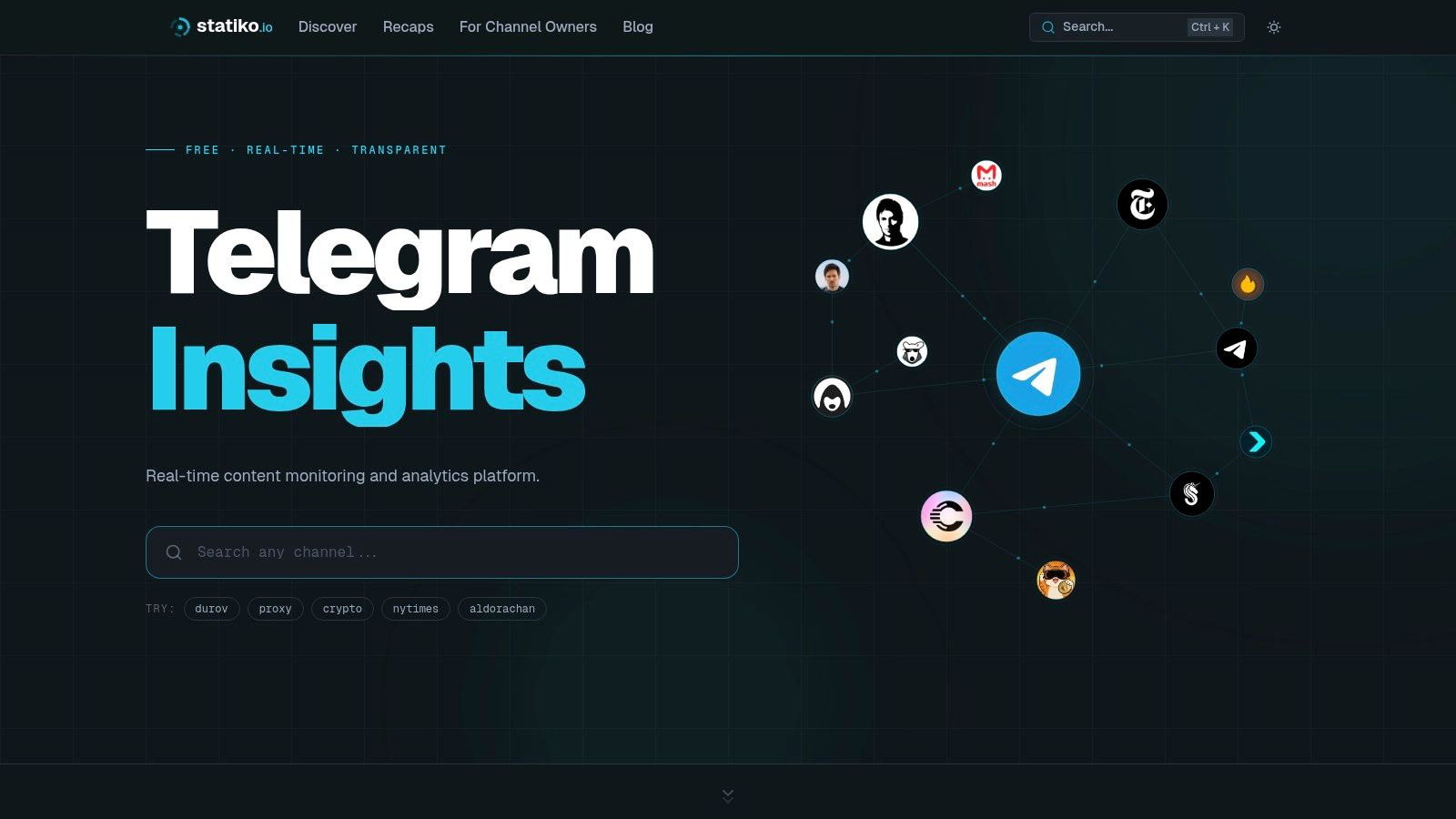
Statiko is the measurement layer for public Telegram channels. It preserves message history so you can review edits, deletions, timestamps, and original versions after a post goes live — which makes it different from every other tool on this list.
Teams that treat captions as a growth lever need a record of what actually happened, not just the final version visible in the feed. When a post changes, you can inspect the revision history and compare original wording against the edit. That matters for postmortems on your own channel and for competitive analysis, since public CTA changes and formatting shifts stop disappearing.
- Edit tracking — Review how your team changes live posts and spot repeated caption mistakes.
- Competitive review — Monitor public channels for shifts in hook style, structure, and CTA wording.
- Timing analysis — Compare posting windows and look for patterns tied to stronger message formats.
Statiko adds AI analysis on top of raw tracking for pattern detection across posting times, channel comparisons, and content behavior. It doesn't cover private groups or DMs — that privacy boundary is intentional. It's also not a publishing suite. Treat it as the intelligence layer, and use other tools for generation and scheduling. Pair it with a Telegram channel bot workflow to keep generation, posting, and review connected. Use Statiko's channel search to find competitors worth monitoring.
The core reason Statiko leads this list: it gives you evidence. Drafting gets you volume. Analytics tell you which caption structures deserve to become your default.
2. PostSyncer Telegram Caption Generator
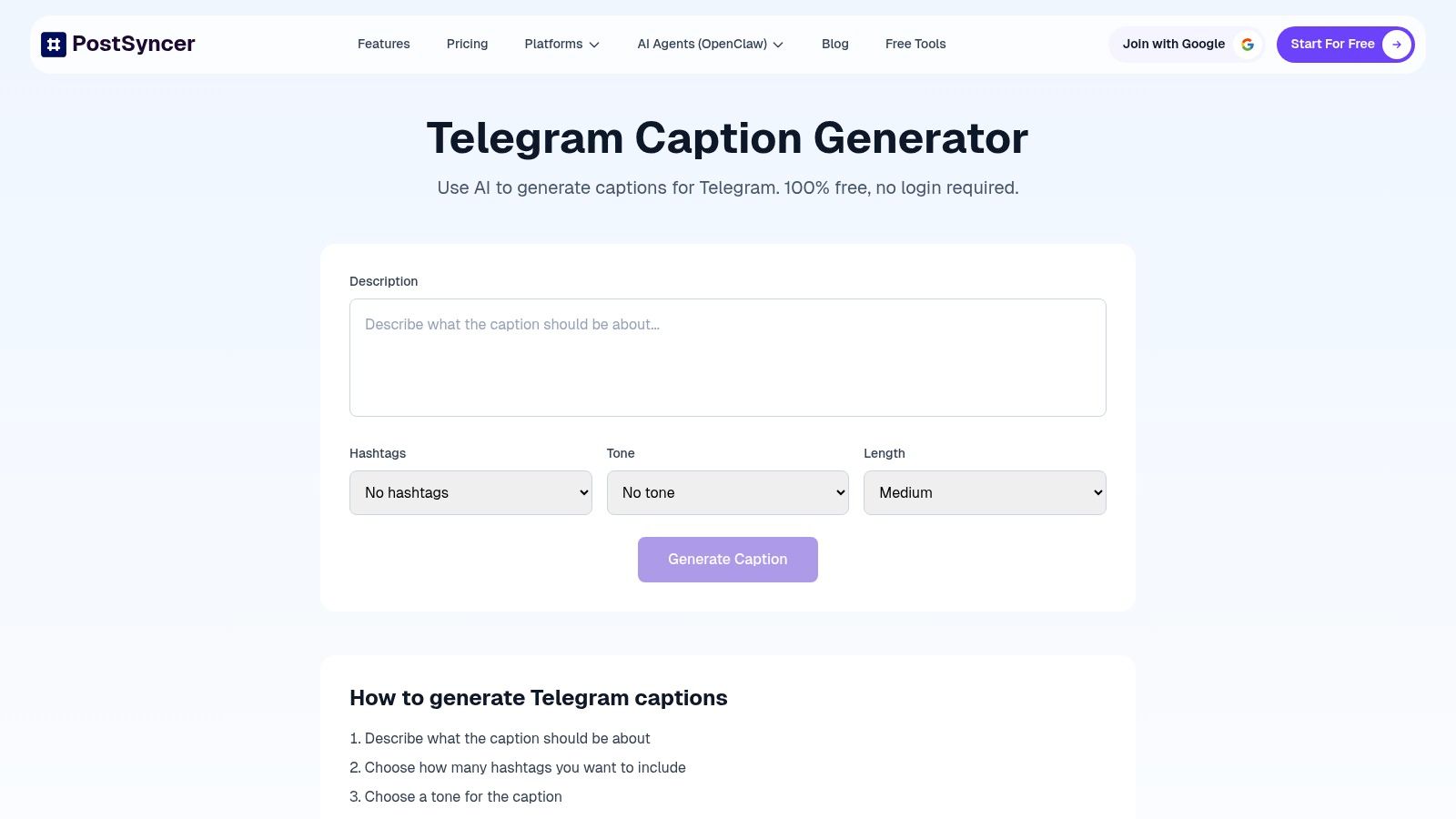
PostSyncer's Telegram Caption Generator is web-based, no-login, and built for fast output. Drop in a topic, choose tone and length, decide on hashtags, paste directly into Telegram.
Telegram captions often live or die on the first line. A no-login generator removes all friction when you need to pressure-test different openings fast.
Single-post drafting — Quick variants for a post that needs a sharper hook. Tone testing — Try direct, playful, or urgent versions without rewriting from scratch. Hashtag restraint — Add tags only when they support discovery.
There's no analytics, collaboration, or scheduling. It's a drafting shortcut, not a command center. Used that way, it's effective. For automation context, the guide to Telegram channel bots covers how drafting and scheduling connect in real workflows.
3. PostNext Telegram Caption Generator
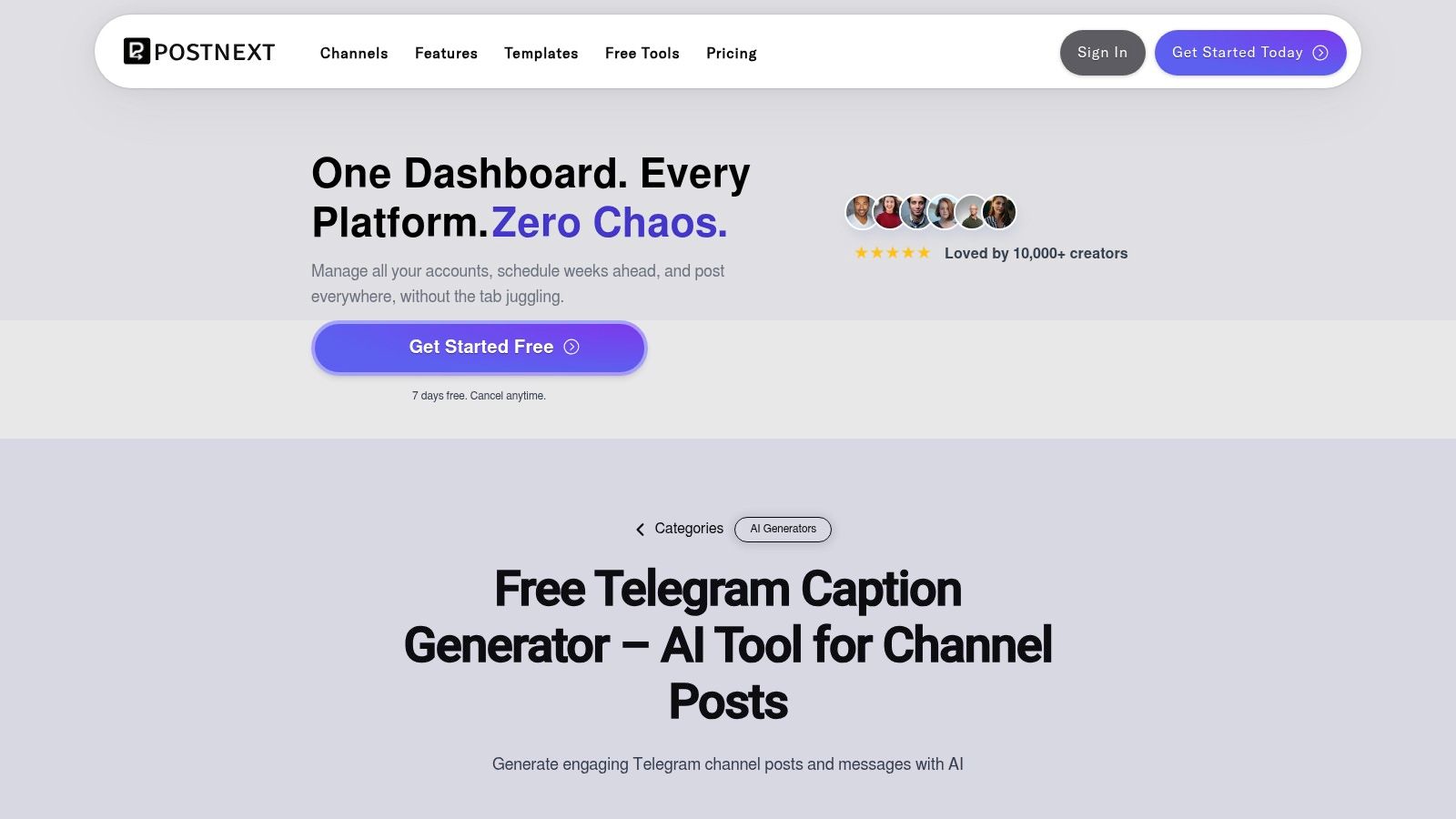
PostNext's Telegram caption generator sits inside a broader social publishing environment, nudging you toward a structured publishing flow rather than treating caption generation as an isolated task.
Generation options are tied to content types — announcement, update, news-style drop. That reduces cleanup time. It also supports Telegram-aware Markdown formatting, which matters if your channel uses bold emphasis or visual hierarchy in longer captions.
Format-aware output — Good for text-heavy updates where formatting needs to survive the move into Telegram. Preset-driven drafting — Useful when post type determines tone. Upgrade path — A natural fit if you want generation inside a scheduler later.
The trade-off is platform gravity. If you only want a quick draft, a no-login tool feels faster. PostSyncer is a drafting pad. PostNext is closer to an operational workspace. If your process already has review steps and repeatable formats, PostNext is the stronger fit.
4. Smart Post Generator Telegram Bot

Smart Post Generator's Telegram bot keeps caption generation inside Telegram itself. Open the bot, follow the menu, choose style and language, generate — without leaving the app.
For mobile-first admins, that's the value. You can draft while reviewing posts, moderating, or lining up a quick update from your phone.
Mobile-first admins — Draft entirely inside Telegram. Low onboarding friction — No separate dashboard or workflow setup needed.
Credits are tied to license purchases, which works for occasional use but gets expensive at volume. For context on how Telegram bots work before adding them to your publishing process, see this overview of what a Telegram bot is.
5. Caption Editor Bot
Not every caption problem starts before publishing. Some start after.
Caption Editor Bot edits or removes captions from existing media. Forward a photo, video, or document to the bot, make the change, move on.
Typos and wording fixes — Clean up small mistakes quickly. Link updates — Replace expired or incorrect destination text. CTA standardization — Bring older posts in line with current call-to-action language.
In tg captions world, archives keep attracting views long after publication. A stale caption on circulating media keeps creating confusion. This tool keeps maintenance lightweight — especially helpful when multiple admins publish and the channel needs periodic cleanup.
It doesn't help with ideation. No AI drafting, no scheduling, no bulk operations. It solves one operational problem cleanly and gets out of the way.
6. GetCaptions.xyz
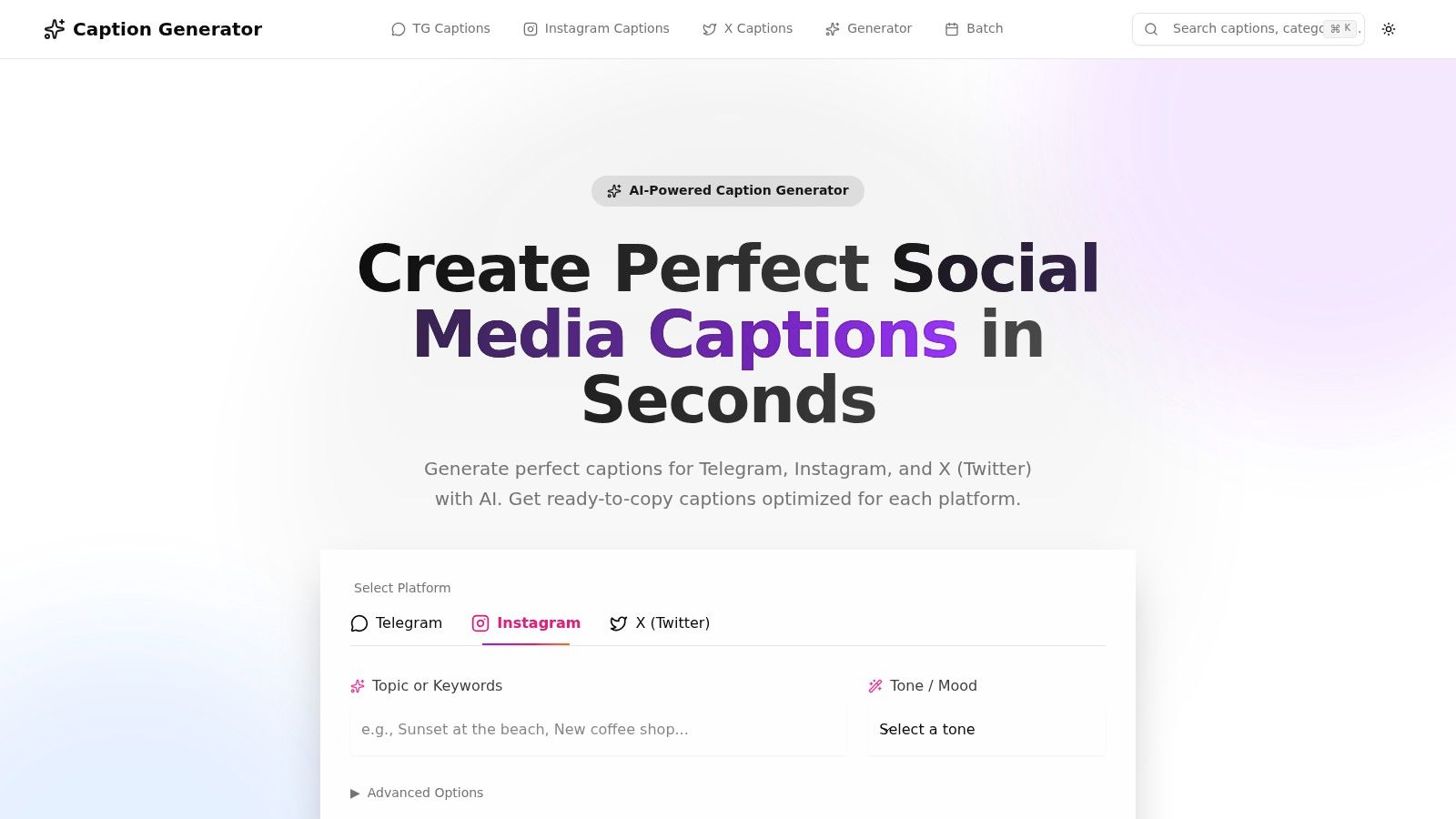
GetCaptions.xyz focuses on breadth. Platform selection, a dedicated Telegram mode, tone and mood controls, and template-driven browsing. The same image can support a dramatic reveal, a teaser, a narrative voice, or a direct reaction prompt.
Batch drafting — Create several options for a queue of upcoming posts. Voice control — Templates keep recurring caption formats aligned. Platform specificity — Telegram outputs stay distinct from captions written for other networks.
There's no native scheduler, bot integration, or analytics. GetCaptions.xyz gives you range; it doesn't give you proof. Use it to expand options, then let your analytics stack decide which style deserves repetition.
7. Caption-Bot Open-source
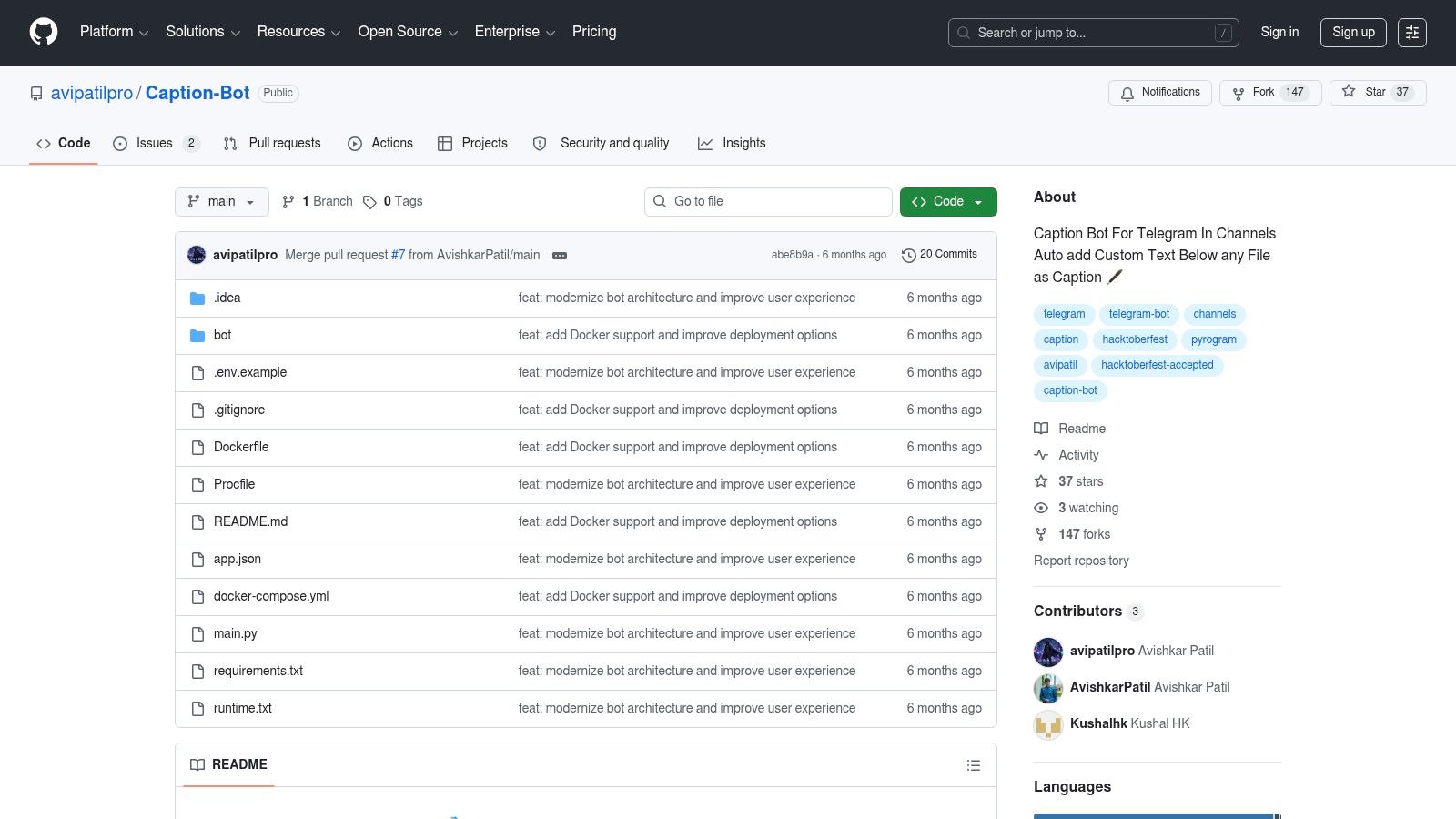
If your problem is consistency at scale rather than ideation, Caption-Bot on GitHub is the most operationally useful tool here.
It's open-source and self-hosted. It automatically appends, replaces, or positions captions on media posts — ideal for standardized CTAs, disclaimers, source links, and recurring brand text.
- CTA enforcement — Same follow, join, or link language on every media post.
- Compliance text — Recurring disclaimer or attribution copy applied consistently.
- Formatting control — Markdown-ready blocks with predictable positioning.
The overview of Telegram bots for groups is useful background if you're deciding where automation belongs and where manual moderation still matters.
Open-source control is the biggest advantage and the biggest cost. You own deployment, configuration, and uptime. No SaaS dependency, but you also own the upkeep — hosting, Telegram API credentials, and ongoing maintenance. Caption-Bot doesn't generate captions; it automates fixed caption behavior. Pair it with a generator for creativity and analytics for validation. Best for operators who already know their standard caption blocks and are tired of applying them manually.
From Generation to Growth
A channel admin publishes a caption, gets weak response, edits the CTA two hours later, then can't tell which version drove results. This is the core problem in tg captions world: performance breaks when teams can't tie caption choices to a goal, a workflow, and a review process that preserves what changed.
Treat captions as an operating system, not a writing task. The workflow runs from ideation to generation, publishing, automation, and analysis. Skip any step and output goes up while learning goes down.
A practical setup:
- Define one primary KPI before drafting — clicks, forwards, reactions, or replies each need different copy decisions
- Generate controlled variants — use PostSyncer, PostNext, or GetCaptions.xyz to change one variable at a time (hook style, CTA wording, caption length)
- Publish with consistent rules — keep formatting, link placement, and media structure stable so results stay comparable
- Automate repetitive edits — Caption Editor Bot for post-publication fixes; Caption-Bot for standard caption rules applied at scale
- Review performance with edit history — compare what published first, what changed, and which version drove better results
Weak workflows fail at the last step. Teams change tone, structure, CTA, and timing all at once, then try to explain the outcome from memory. That produces opinions, not evidence.
Telegram posts often change after publication. Analysts who only see the final version miss the original hook and first CTA. A transparency-first review process keeps the before-and-after record intact — useful for your own channel and for competitor tracking.
Use AI for speed and variation. Use automation to reduce manual cleanup. Use transparent analysis to prove which caption structures work. That's how tg captions world shifts from content generation to measurable growth.
Related posts

Discover how a channel bot telegram can automate posts, moderate your community, and drive growth. Learn setup, best practices, and analytics in our guide.

Unlock growth with our guide to Telegram channel analytics. Learn to track key metrics, analyze competitors, and make data-driven decisions for your channel.

Master how to grow telegram channel using our proven 2026 framework. Get actionable steps for content, promotion, and analytics for rapid growth.
Start in seconds.
Create a free account to organise channels, track activity, and get recaps delivered to you.
Real-time. Telegram. Analytics.