How to Forward Telegram Messages and Control Attribution
Forward on any device, control what the 'Forwarded from' tag reveals, block forwards out of your own chats, and track where your posts travel.

Forwarding a message on Telegram is simple: long-press, hit "Forward," pick a recipient. But behind that tap is a feature with more depth than most people use.
Forward vs. Copy-Paste
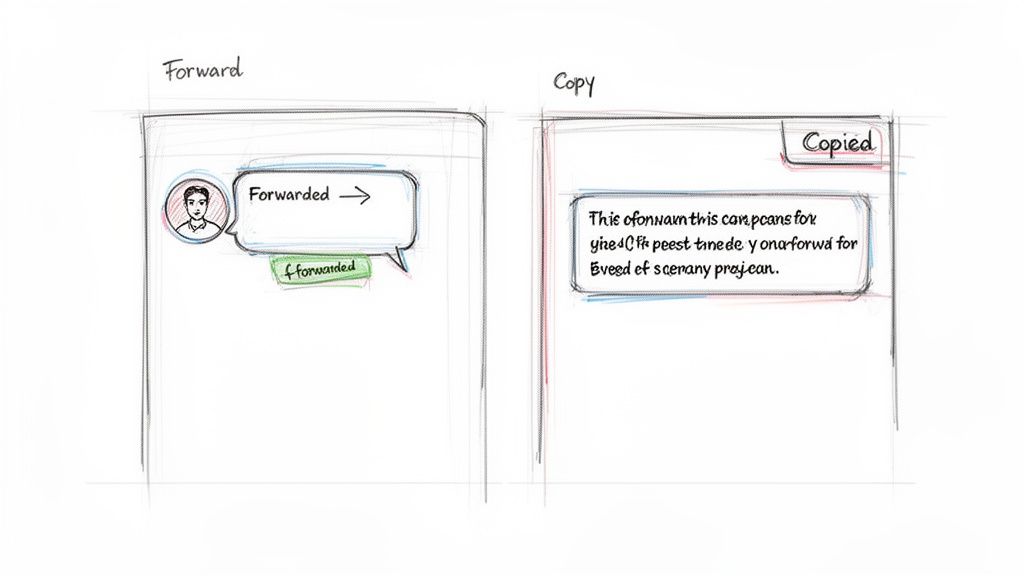
The core difference is attribution. A standard forward carries a "Forwarded from" header — a clickable link back to the original source. Copy-pasting strips that entirely.
Forward when you want to credit the source. Copy-paste when you want to repurpose the content without a direct link back.
| Forwarding Action | How You Do It | Key Outcome |
|---|---|---|
| Standard Forward | Long-press > Forward | Shares the message with a clickable link back to the original source. |
| Copy & Paste | Long-press > Copy | Shares only the text or media, stripping all attribution. |
| Forward Anonymously | Tap the "Forwarded from" box before sending | Hides the name of the immediate forwarder, keeps the original source. |
| Silent Forward | Long-press the "Send" button > Send without Sound | Message arrives without a notification sound. |
In early 2026, Telegram added more robust sharing prevention, giving channel owners more control over forwarding. Before the update, high-engagement channels saw 30–40% of their messages forwarded daily across Telegram's 1 billion+ monthly active users.
Forwarding on Any Device
Mobile — long-press a message, tap the forward arrow, pick recipients, optionally add a comment before sending. To bundle multiple messages, keep tapping after the first long-press — Telegram packages them together in chronological order.
Desktop — right-click a message and select Forward. For multiple non-consecutive messages, right-click and choose "Select Messages," then check each one. Useful for compiling summaries or pulling specific highlights from a long thread without forwarding the entire conversation.
Attribution and Privacy
The "Forwarded from" tag links back to the original source and signals that you shared it. You control how far that link goes:
Settings > Privacy and Security > Forwarded Messages
- Everybody — default; creates a clickable link to your profile
- My Contacts — strangers see your name but it's not clickable
- Nobody — no clickable link, but your display name still appears
Even with "Nobody," your display name is still attached. Zero attribution requires manually copying the text.
Restricting forwards in your channel — go to Edit > Group/Channel Type > Restrict Saving Content. Members will see "Forwarding is not allowed from this channel." It's not foolproof, but it's a strong deterrent for paid or sensitive content. To understand how bots interact with content distribution, see what a Telegram bot is.
Advanced Forwarding
Schedule a forward — after selecting a message and recipient, long-press the send button and choose "Schedule Message." Queue content for peak hours instead of posting when your audience is offline.
Send silently — long-press the send button and choose "Send without Sound." The message arrives without triggering a notification. Useful for non-urgent shares after hours.
Protected content — if a channel has blocked forwarding, your only options are screenshots or manual retyping. Neither is ideal, which is the point.
Tracking Forwards as a Channel Owner
A forward is a stronger signal than a view. Views measure exposure; forwards measure resonance. Someone sharing your content is a personal endorsement — they're putting their reputation on the line.
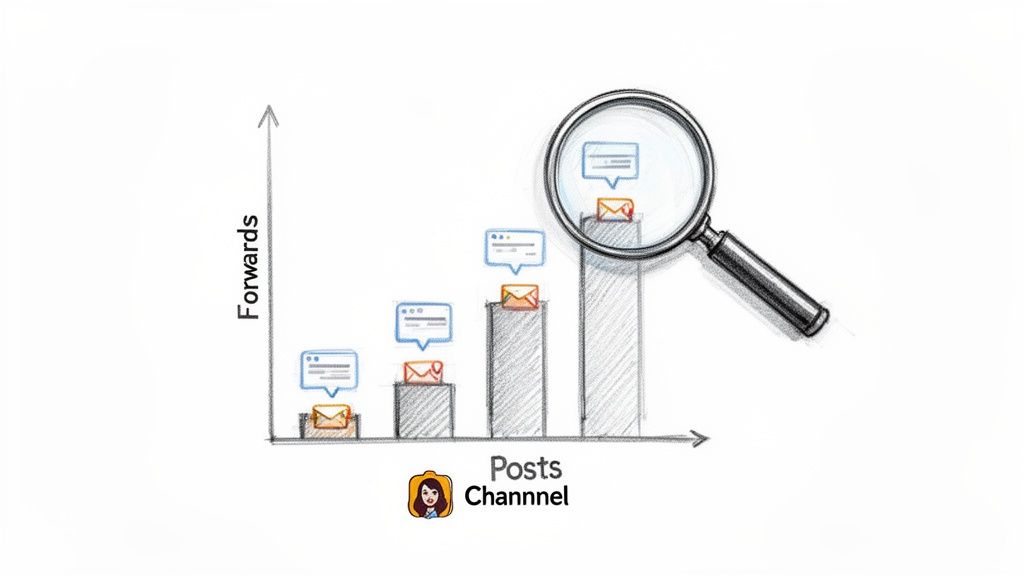
Tracking this manually across a busy channel is impractical. Statiko automatically monitors forwards, edits, and deletions from any public channel, turning raw data into a clear picture of how your content spreads.
| Metric | What It Measures | Strategic Value |
|---|---|---|
| Forwards Count | Total times a message is forwarded | Directly measures virality and perceived value |
| Reposts by Public Channels | When other channels forward your content | Reveals your amplification network and collaboration opportunities |
| Edit/Deletion History | Every edit or deletion with timestamps | Full transparency; helps analyze why messages needed changes |
If your infographics get forwarded 3x more than your text posts, that's your audience telling you what to create next. For a full breakdown of available tools, see our guide to Telegram channel analytics.
FAQ
Does the original author know when you forward their message? No. Telegram doesn't notify the original poster.
What happens if the original sender deletes their account? The "Forwarded from" tag changes to "Deleted Account." The content stays, the link is gone.
Can you edit a forwarded message before sending? You can't edit the forwarded content itself. You can: add a comment above it, hide the immediate sender's name (tap the preview before sending), or copy-paste and rewrite it as your own message — which strips all attribution.
What if you accidentally delete a forwarded message? Once deleted, it's gone from your device. "Delete for everyone" removes it for all participants. "Delete for me" only removes it from your view. See our guide on recovering deleted Telegram messages for what options exist.
Are you a channel owner who wants to understand exactly how your content travels across Telegram? Statiko offers the most transparent analytics available, tracking forwards, edits, and deletions to give you a true picture of your content's performance. Discover which posts are going viral and make data-driven decisions to grow your audience.
Related posts

Unlock growth with our guide to Telegram channel analytics. Learn to track key metrics, analyze competitors, and make data-driven decisions for your channel.

You get 5 seconds to undo a deletion. After that your odds depend on where the message was — here is what works per chat type, and what doesn't.

Discover what is a Telegram bot and how these automated assistants work. This guide explains their power for channel management, marketing, and automation.
Start in seconds.
Create a free account to organise channels, track activity, and get recaps delivered to you.
Real-time. Telegram. Analytics.