Master YouTube in Telegram: The Ultimate 2026 Guide
Learn every method to share YouTube in Telegram, from manual posts to full automation. This guide covers bots, IFTTT, analytics, and best practices for 2026.

Most youtube in telegram advice stops at "paste the link." That's a missed opportunity.
82% of Telegram active users also use YouTube (DataReportal, Jan 2024 via Whop). That overlap makes Telegram one of the strongest video distribution surfaces available — but most channels treat it as a clipboard.
The better approach treats youtube in telegram as a system: posting format, automation, measurement. The layer most guides skip entirely is measurement. And that's usually where channel growth stalls.
Why YouTube in Telegram Works
For channel admins, the real upside isn't reposting links — it's control. You decide timing, framing, and follow-up. A well-packaged post keeps a video moving long after YouTube's recommendation cycle fades.
Organic reach is harder to predict on every platform in 2026. Lazy reposting gets ignored. A post with a strong caption and deliberate send time consistently outperforms a raw link. That's also why preventing stalled YouTube video views starts with how you package the share, not just what you're sharing.
A YouTube link performs well in Telegram for one of three reasons:
- It gives the click a reason. The thumbnail, title, and caption explain why the video deserves attention now.
- It adds editorial value. A short takeaway, timestamp, or opinion gives subscribers something the bare link doesn't.
- It matches channel behavior. News channels benefit from speed and brevity. Education channels usually need more framing.
Start with a posting format that earns clicks. Add automation after you know what works. Then measure — including edits, deletions, and what changed after publishing.
Manual Sharing: Thumbnails and Captions
Manual sharing still beats bad automation.
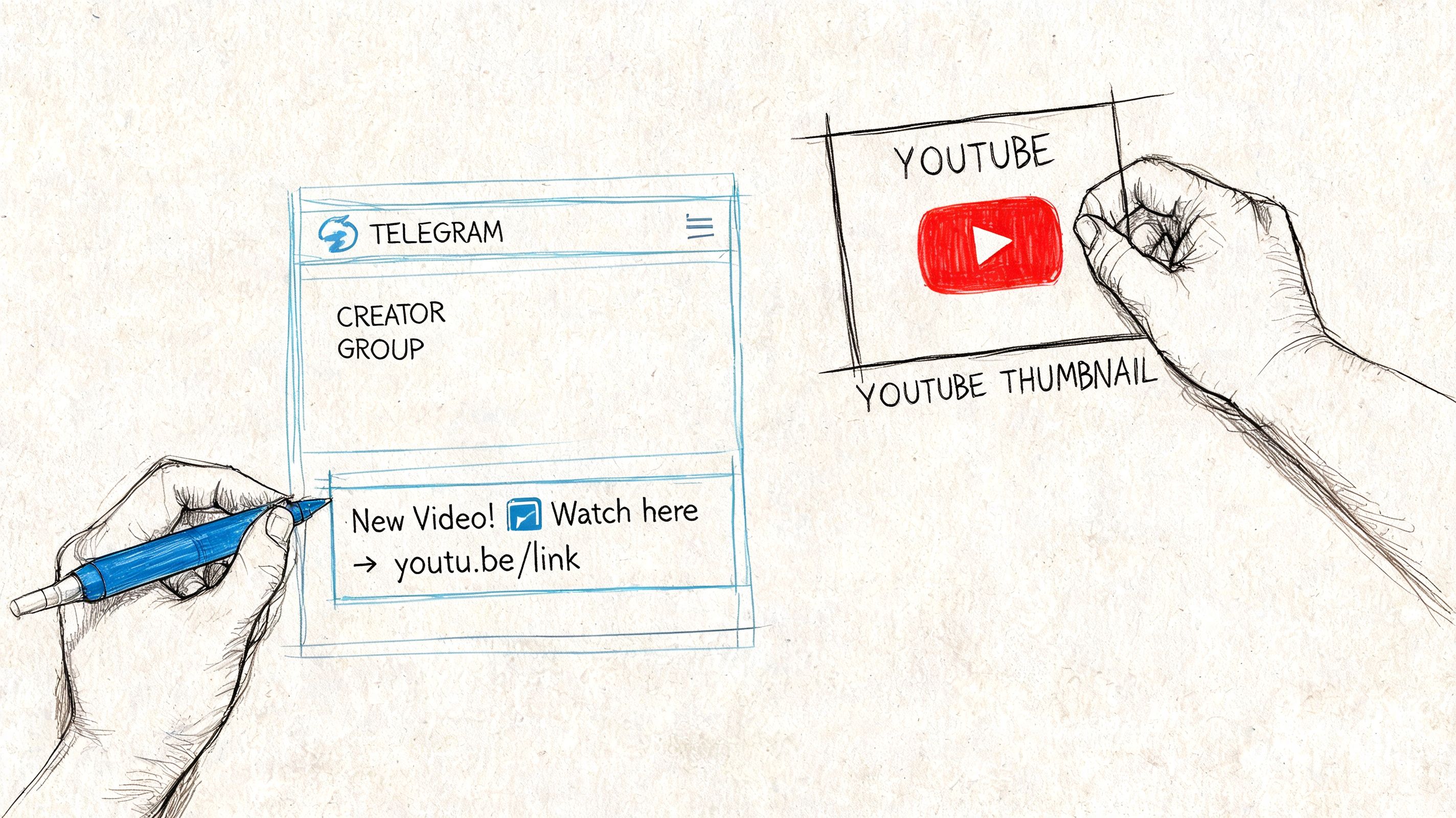
Never post a YouTube link without checking how the preview looks inside Telegram. The rich preview does the heavy lifting — but only when the source asset is strong.
Thumbnails decide whether the post gets a chance. Telegram users scroll fast. A thumbnail needs to signal the topic instantly, survive mobile compression, and match the promise of the caption. Vidito has a focused piece on preventing stalled YouTube video views worth reading specifically for thumbnail-preview discipline.
Captions should package the click. A strong caption for a YouTube link has four parts:
- A sharp first line — lead with outcome, conflict, or new information.
- A framing sentence — what the viewer will get and why it matters.
- Optional timestamps or bullets — useful for long-form and interviews.
- One direct CTA. Not three.
What doesn't work:
- Posting the naked link without commentary
- Using the YouTube title as the Telegram caption
- Stuffing hashtags
- Burying the reason to click past line three
Manual posting teaches the instincts automation can't replicate. Once you know what earns clicks, then it makes sense to automate.
Simple Automation: Bots and RSS
If manual posting is getting inconsistent, automation is the next step. The main choice is between a dedicated Telegram bot and an RSS workflow through an integrator like Zapier or IFTTT.
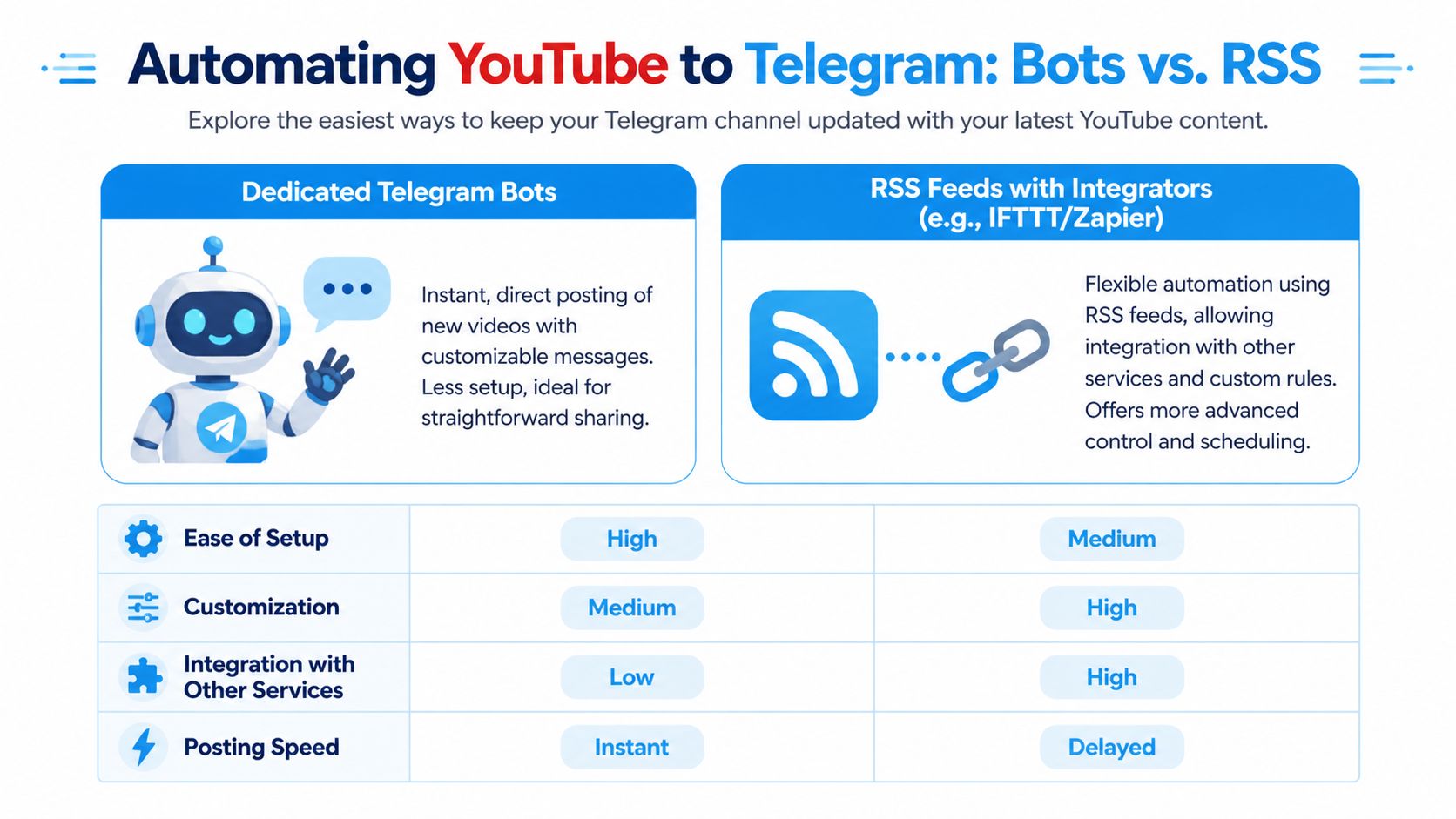
These setups rely on webhook-based triggers or RSS feed polling. Properly configured no-code platforms can deliver a new YouTube video into Telegram in 30–120 seconds with stability above 99.5%, per this integration reference.
Bots are the fastest path to launch. Good when you need low setup friction, basic reliability, and simple message logic. The trade-off is control — most bots don't support custom formatting, content filtering, or complex routing. If your YouTube operation also needs comment management, BeyondComments has a useful read on managing YouTube comments and analytics.
RSS workflows give you more control. Better when you need to route videos from different playlists to different channels, delay posting for editorial review, or push the trigger into a CRM or archive before it posts.
| Feature | Telegram Bots (e.g., @YouTube) | RSS + IFTTT/Zapier |
|---|---|---|
| Setup effort | Fast and simple | Moderate |
| Customization | Limited to moderate | Stronger control over formatting and routing |
| Reliability | Good for straightforward posting | Good when the workflow is maintained |
| Cross-tool integration | Usually narrow | Better for multi-step workflows |
| Best use case | Single-channel auto-posting | Rule-based distribution and workflow chaining |
Before wiring a bot into a public channel, this Statiko explainer on what a Telegram bot is is useful grounding.
Common failure modes: Bots tend to be rigid — you get the post published but not the way you want. RSS workflows require maintenance; tokens expire, triggers change, formatting rules break. Start with the smallest workflow that would survive a busy week.
Advanced Automation: APIs
API-based workflows are for teams that need rules, not just reposting.
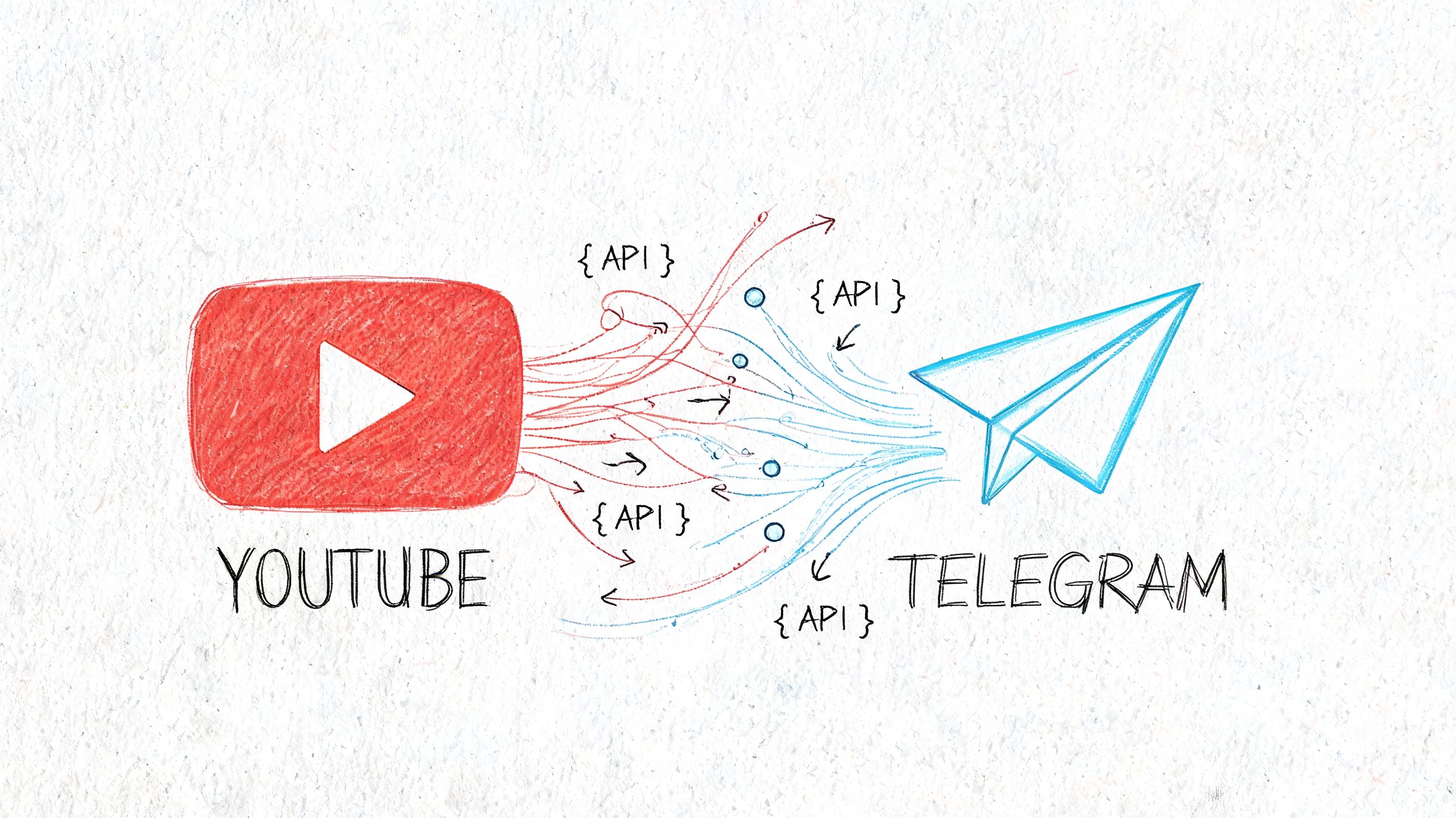
A custom workflow usually combines the YouTube Data API and Telegram Bot API through a tool like n8n, Zapier, Pabbly Connect, or a custom backend. Practical options include:
- Filter before posting — only send videos from a specific playlist, title pattern, or category
- Enrich before sending — add summaries, timestamps, topic tags, or branded wrappers
- Route by audience — send tutorials to one channel, updates to another
- Control pacing — stagger posts across destinations to avoid flooding
Channels using templated API-based message formatting see 25–30% higher click-through rates than raw URL sharing, per this automation analysis.
A practical workflow sequence: trigger on new video → pull metadata → apply rules → format message → send to correct channel → log the event.
Don't start with AI summarization, conditional routing, and custom buttons all at once. Prove the core loop first. The best API workflow isn't the most complex one — it's the one your team can still understand a month later.
If you're mapping integrations more broadly, Zenfox has a directory to explore available API connections.
Measuring YouTube Links in Telegram
Posting YouTube links without measurement is guesswork.
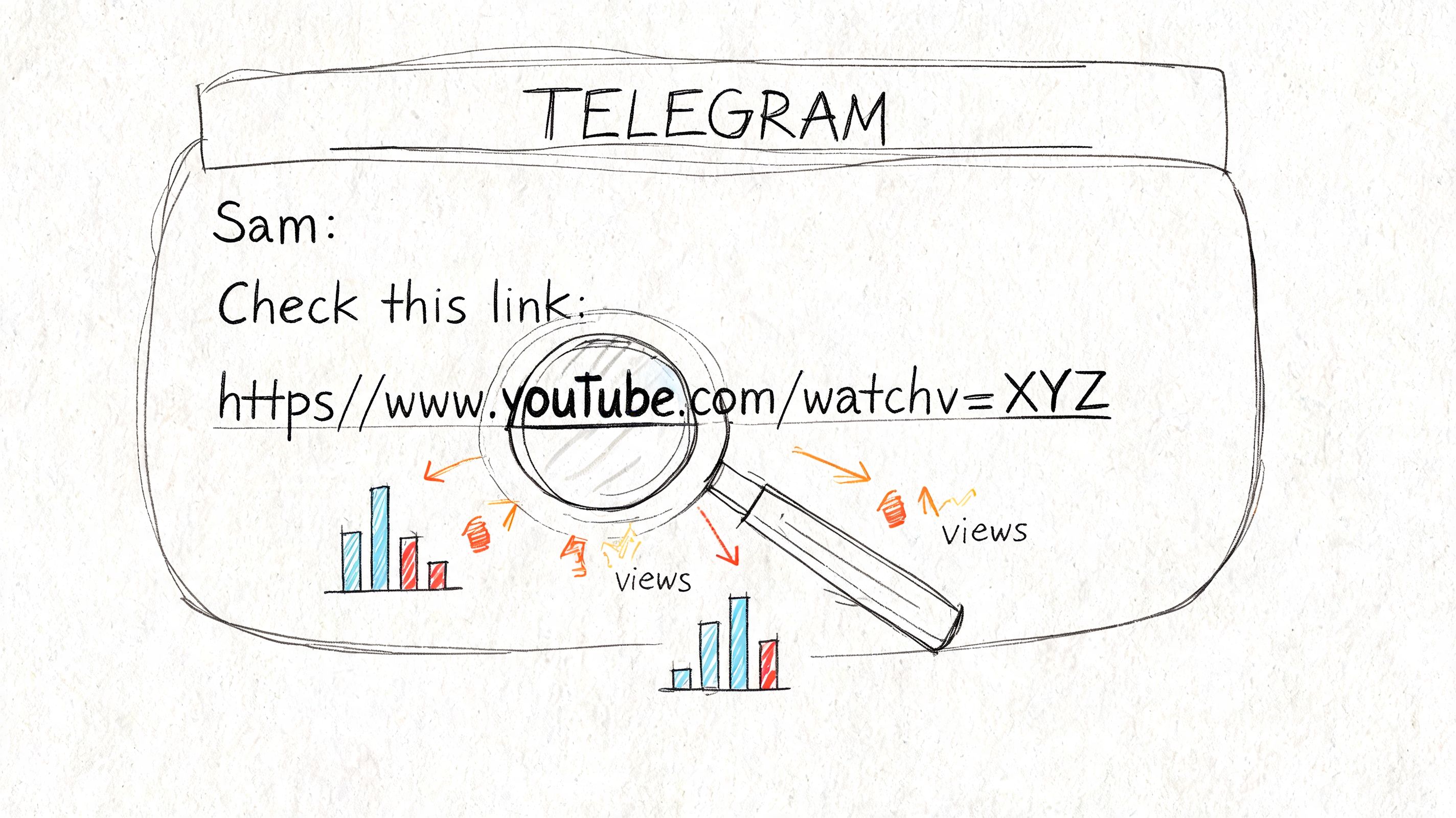
UTM tags tell you a click came from Telegram. They don't answer the questions that matter for editorial improvement: Was the post later edited? Was the original caption stronger? Was the link deleted after underperforming? That analytics gap is a known blind spot for most creators.
What to track instead:
- Posting frequency — are YouTube links occasional highlights or a core format?
- Caption structure — do short framing posts outperform commentary-heavy ones?
- Timing patterns — which hours consistently get link shares?
- Edit behavior — are low-performing posts getting rewritten?
- Deletion behavior — are certain video formats removed after weak response?
- Competitive rhythm — how do public competitor channels package their YouTube links?
A deleted post is as informative as a successful one. When an admin edits a caption or removes a share, that's a signal — a failed angle, a topic mismatch, an audience miss. If you can't see those decisions, you're only seeing the cleaned-up version of channel strategy.
A weekly review routine: list every YouTube share → group by format → check for edits or removals → compare timing → study competitor packaging.
Troubleshooting and Legal
Why isn't the YouTube preview showing? Weak metadata is the most common cause — check the YouTube title, thumbnail, and description. Redirect layers can also interfere. If caching is the issue, repost after fixing the source. Test the link in a low-risk channel before sending to your main audience.
Why did the bot stop posting? Start with auth failures (tokens expire), trigger issues (YouTube feed structure changed), formatting errors (one broken field stops the whole workflow), and platform-side API changes. For context on what downloader-style bots can and can't do, see this post on YouTube downloader Telegram bots.
Can you share YouTube videos in Telegram legally? Linking to the original is generally safe. Downloading, clipping, or re-uploading is where copyright problems start. Credit the creator in your caption when adding commentary. Don't assume fair use covers it.
What's the safest operating habit? Use original links, add context not confusion, avoid misleading packaging, and review edits and removals so your team knows what changed and why.
If you want to understand how public Telegram channels really use YouTube links over time, Statiko gives you the missing layer: public channel analytics, message edit tracking, deletion history, daily growth snapshots, and AI-powered pattern analysis. It's built for admins, marketers, researchers, and analysts who need more than surface stats. It helps you see what was posted, what changed, what disappeared, and how channel strategy evolves in public.
Related posts

Discover how a YouTube downloader Telegram bot threatens your content. Learn to detect reposts and protect your channel with advanced analytics.

Discover what is a Telegram bot and how these automated assistants work. This guide explains their power for channel management, marketing, and automation.
Start in seconds.
Create a free account to organise channels, track activity, and get recaps delivered to you.
Real-time. Telegram. Analytics.