TeraBox Video Play: The Ultimate Guide to Flawless Streaming
Struggling with TeraBox video play? Our guide has step-by-step fixes for buffering, casting, and errors on web & mobile. Stream flawlessly today!

TeraBox works better than most cloud drives for video because it's built with playback in mind, not just storage. Upload once, stream from browser, phone, or desktop — no downloading required.
Why cloud video storage makes sense
Local libraries hit a ceiling fast. Vacation folders, screen recordings, Telegram downloads — storage pressure is constant. Moving video to the cloud solves that. The TeraBox angle is that it also plays the files directly, so you're not just archiving, you're building an accessible library.
By early 2024, TeraBox had reached 400 million users across 200+ countries, with daily actives over 23 million. Scale doesn't prove quality, but it confirms the playback use case is real and widely tested.
Three things matter day-to-day:
- Fast access — open and play, not wait and download
- Cross-device continuity — start on phone, finish on laptop
- Shareability — a link beats sending a file
If you share clips through Telegram communities, it's worth understanding how Telegram viral video sharing habits affect what people watch and rewatch.
Playing videos on any device
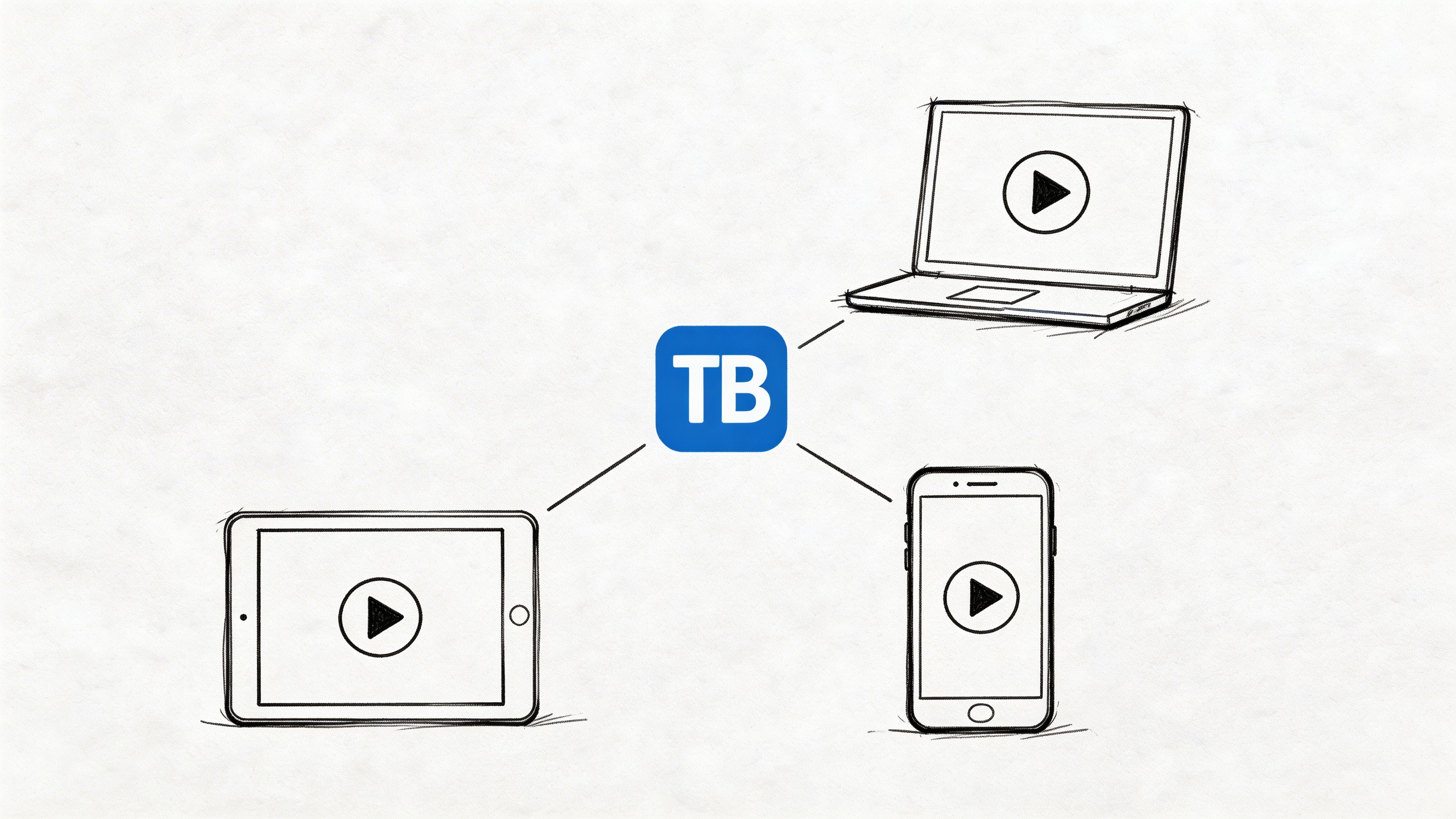
Browser — Open TeraBox in Chrome, Safari, or Edge, sign in, navigate to the video, and click the file rather than downloading it. Test the seek bar, fullscreen, and quality behavior early. If browser playback works but the app struggles, the problem is device-side.
Mobile — Open the app, go to the video folder, tap once, and let it load fully before scrubbing. Test normal playback first — don't cast immediately. Modern mobile players use adaptive bitrate streaming for MP4, MKV, and MOV, targeting load times under 2 seconds on 4G. That depends on format support and device decoding, not just network speed. Use the official app before testing modded clients. Pause background downloads. Watch a short file first: if a small MP4 plays cleanly and a large MKV doesn't, you've already narrowed the issue.
Desktop — Better CPU/GPU decoding, steadier Wi-Fi hardware, easier multitasking. If a video stalls on your phone but plays cleanly on desktop, the problem is likely codec handling on the device, not the service.
Library hygiene — Create folders by source, not just topic. Rename files before upload if they came from random downloads. A messy library creates fake playback problems because you keep opening the wrong encode or duplicate.
Casting to a TV
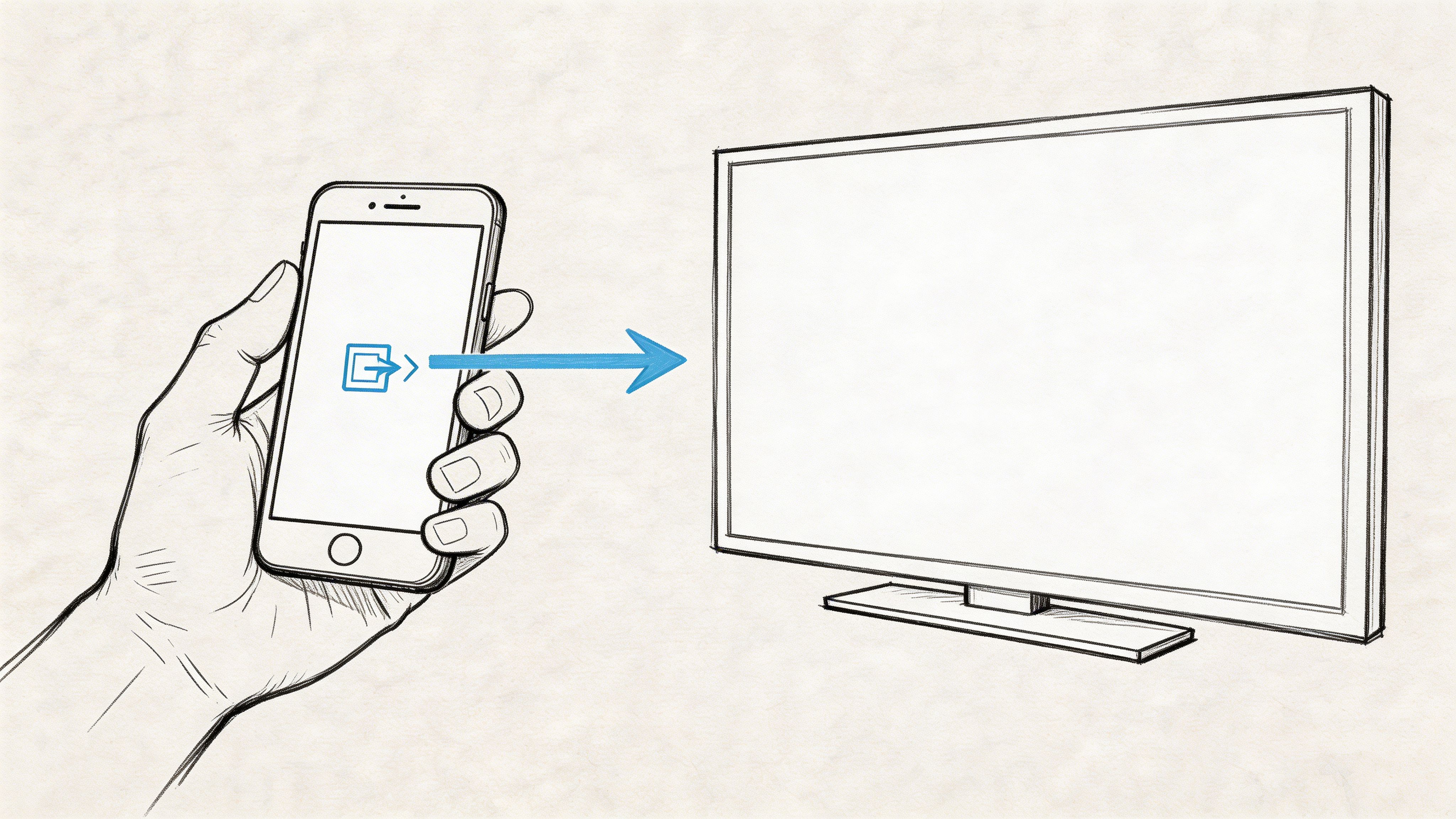
Start playback on the source device before casting. Don't cast from the file list — confirm the stream is stable, then send it to the TV. If the video won't start locally, casting won't fix it.
- Connect both devices to the same Wi-Fi
- Start playback on phone or browser
- Tap cast/AirPlay after the video is running
- Keep the phone active during the initial handshake
Browser casting (especially Chrome) is often steadier than mobile casting for longer sessions. Some users juggling shared links and different player environments take this approach — the Xtream Code IPTV workflow guide covers similar territory.
| Symptom | Likely cause | Fix |
|---|---|---|
| TV appears but video never starts | Stream not stable on source | Play locally first |
| Cast drops after a minute | Weak Wi-Fi path | Move closer to router |
| Audio without video | Codec/display handshake | Try browser casting |
| Stutter on TV only | Source device overloaded | Close background apps |
Formats, resolution, and tiers
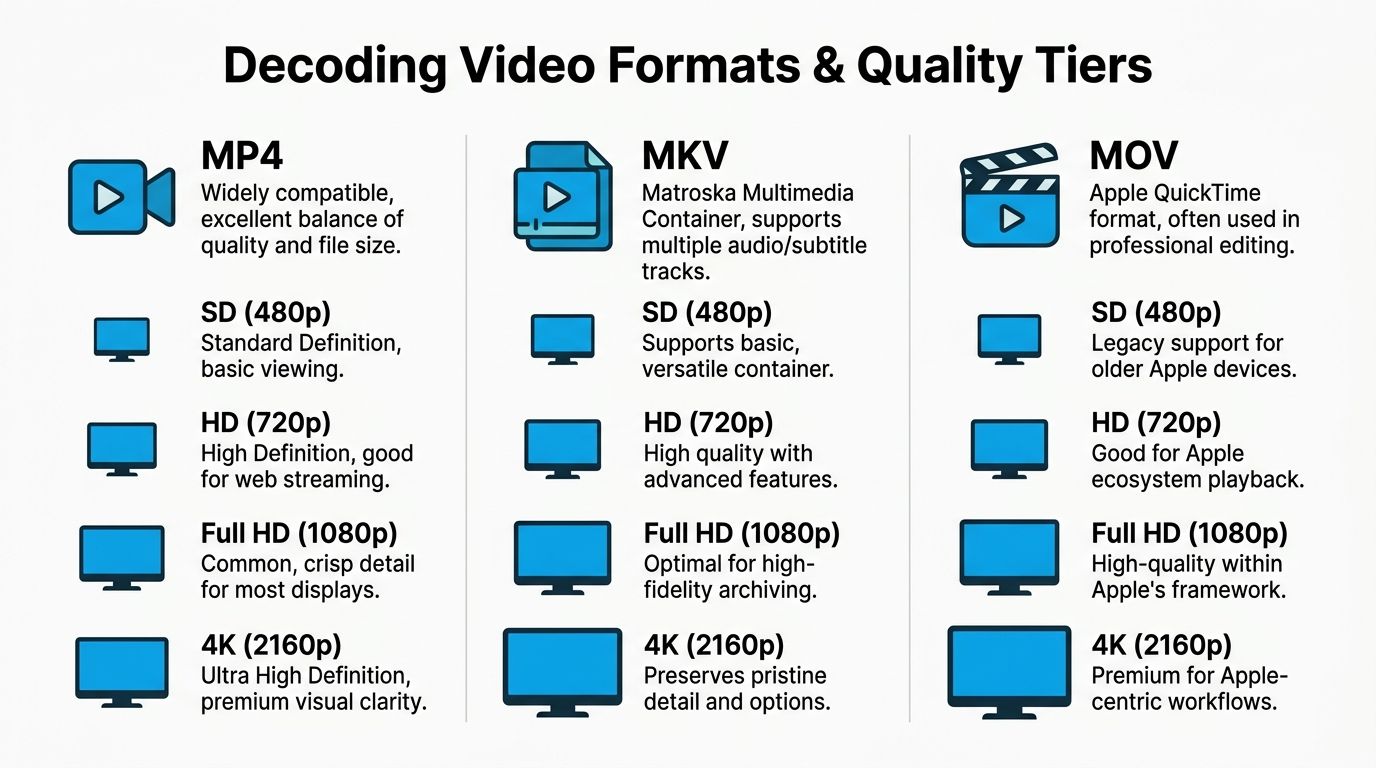
MP4 is the safe default — broadest compatibility across phones, browsers, and TVs. MKV is flexible for multi-track files but introduces more device variance. MOV works in Apple workflows but isn't always forgiving on mixed-device setups.
The free tier limits streaming to 480p and files under 4GB, which explains most quality complaints on large HD files. Premium plans unlock 720p, 1080p, and 4K, with 1080p streams at 99% uptime. If playback keeps failing on large files, ask whether you're expecting a free-tier stream to behave like a premium one.
A file can say MP4 and still play badly if the underlying codec is unusual. If one file keeps failing while others work, assume file complexity before assuming service failure. Does it play in VLC locally? Is it fine on desktop but bad on mobile? Those answers narrow it fast.
If you share videos to communities, simpler formats reduce drop-off. The same friction logic applies to GIF-style lightweight media on Telegram — lower the barrier and more people finish it.
| Format | Best use | Playback risk | Notes |
|---|---|---|---|
| MP4 | Everyday streaming | Low | Best all-around compatibility |
| MKV | Archival or subtitle-heavy files | Medium | Great flexibility, more device variance |
| MOV | Apple-centric workflows | Medium | Common in edited exports |
| Large HD on free tier | Casual viewing only | Higher | Resolution and size limits show up fast |
Troubleshooting persistent failures
Most "clear cache, reinstall" advice doesn't touch the two real causes: routing and decoding.
Routing problems — suboptimal server selection causes high latency and stalls. Optimizing connection settings or switching endpoints can improve play speed 2–3x. Signs: same file works at one time of day but not another; small files open but longer ones stall on seek; switching Wi-Fi networks improves playback.
To isolate, try in order:
- Test on desktop browser first — removes mobile variables
- Switch networks if possible
- Disable VPN, ad blockers, or privacy relays
- Retry via browser if app keeps failing
- Test the same file on a different device on the same network
Decoding problems — hit mid-range Android and older iPhones hardest with heavy HD or 4K files. Signs: motion choppy but audio continues; fullscreen makes it worse; laptop plays the same file without issue.
Fix: try a standard MP4 as baseline. Close background apps. Use desktop for large or complex files — not a workaround, the correct call.
| Symptom | Most likely cause | Action |
|---|---|---|
| Stalls near end on multiple devices | Route/server issue | Change network or retry later |
| Stalls only on one phone | Decoding issue | Test on desktop or other device |
| Stalls after repeated seeking | Player cache instability | Reopen and avoid rapid scrubbing |
Change one variable, retest. Same file, different device. Same device, different network. Same network, browser vs. app. That's how you separate a bad route from a bad file from an overworked phone.
FAQ
Can I download instead of streaming? Yes, and sometimes you should. If a file keeps buffering and you'll watch it more than once, downloading is more practical. It won't fix a codec incompatibility.
Can I earn money from shared TeraBox videos? Yes. TeraBox's referral program pays $1.3 per 1000 video views, tracked through sharing and reward history. More useful for people who already distribute videos regularly than casual users.
Does a VPN help? Sometimes. A better route can improve playback; extra complexity can hurt it. Test without VPN first so you know which you're dealing with.
Why does one video fail while others work? Usually the file itself — different codec, export settings, or complexity. Test with a known-good file to rule out account and network issues.
Is browser playback better than app playback? Often a cleaner test environment. If browser works and app doesn't, the problem is device or app-side, not the file.
If you run Telegram channels and care about how public content spreads, changes, and performs over time, Statiko is worth a look. It helps you analyze public Telegram channels with transparent edit tracking, deletion history, content insights, and growth monitoring, so you can make better decisions about what to post and when.
Related posts

Discover how to create a Telegram viral video with proven strategies for content, distribution, and data analysis. Turn your channel's videos into viral hits.

What is Xtream Code IPTV and is it safe? This guide explains how it works, the legal risks, and the legitimate alternatives available today.

Learn how to find, create, and optimize GIFs for Telegram. This guide covers everything you need to boost channel engagement with standout animations.
Start in seconds.
Create a free account to organise channels, track activity, and get recaps delivered to you.
Real-time. Telegram. Analytics.